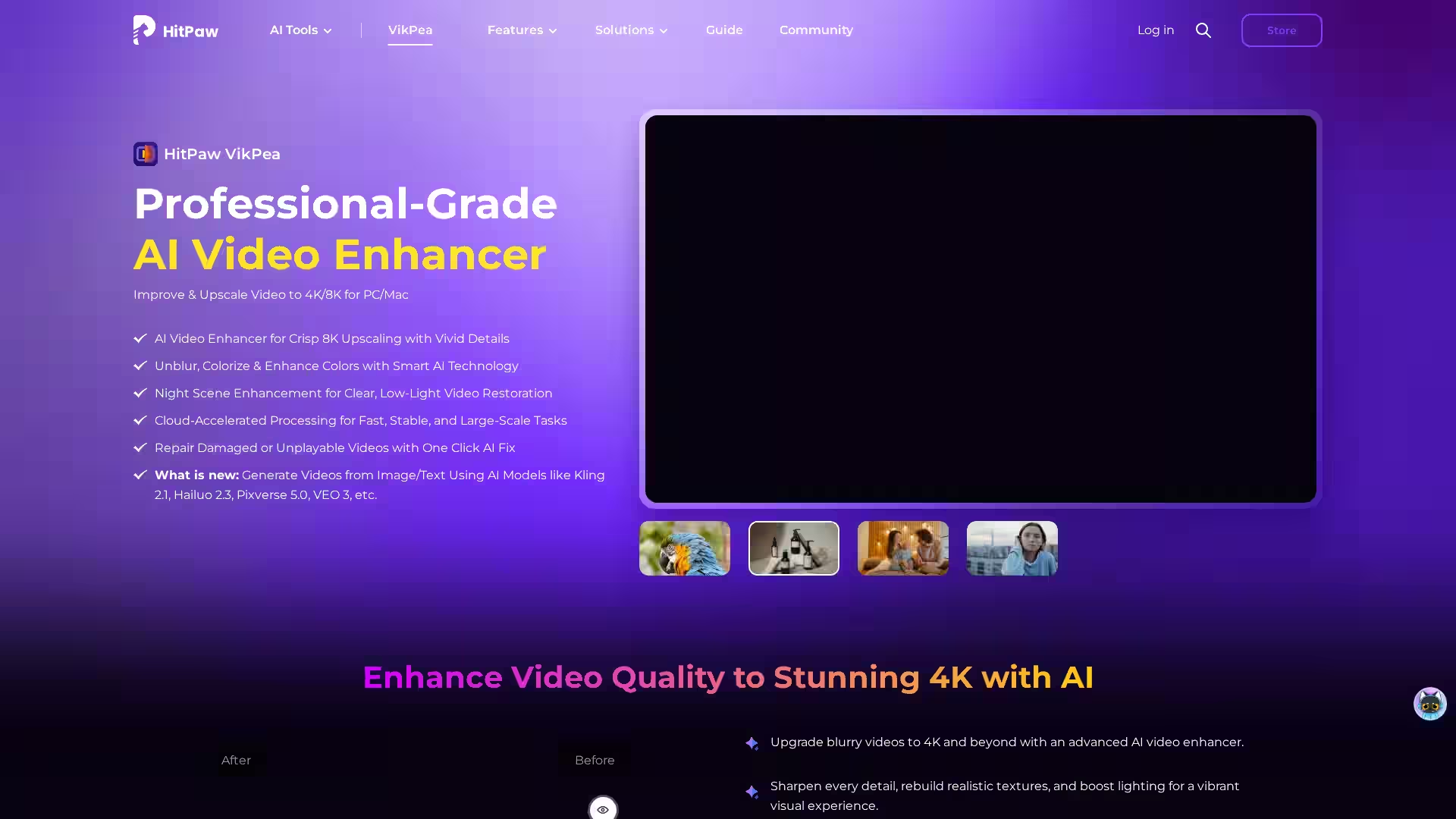
HitPaw Video Enhancer – VikPea Edition is a professional-grade video restoration and enhancement software designed to help anyone—from casual users to production studios—quickly transform low-quality, blurry, or grainy footage into visually stunning high-resolution content. Built on advanced AI algorithms, it offers deep-learning-based upscaling, noise reduction, and clarity improvement features that bring out details that might otherwise be lost. Whether you're working with old home videos, marketing footage, or cinematic projects, VikPea Edition combines speed, accessibility, and powerful customization to give you the exact results you need.
Unlike traditional enhancement tools that rely solely on manual adjustments, HitPaw Video Enhancer employs multiple specialized AI models tailored to different scenarios. This not only accelerates the editing workflow but consistently produces results with greater sharpness, accurate colors, and reduced artifacts. The software supports a wide range of input formats, handles diverse resolutions, and outputs in high-quality formats ready for further editing, streaming, or archiving.
Key Features
1. AI-Based Video Upscaling
Use AI models to upscale low-resolution footage (e.g., 720p to 4K) while preserving edge detail and avoiding pixelation.
2. Multiple AI Models for Specific Needs
General Model: Balanced enhancement for everyday video improvement.
Face Model: Specialized for facial details and portrait shots in interviews, vlogs, or film scenes.
Animation Model: Optimized for cartoons, anime, or illustrated footage.
3. Noise Reduction & Sharpness Control
Remove unwanted visual noise and grain from older or poorly lit clips while adjusting sharpness without producing over-enhanced halo effects.
4. Color & Detail Restoration
Recover lost vibrancy in faded videos, reintroduce subtleties in textures, and improve scene dynamics.
5. Simple, Intuitive Interface
Drag-and-drop import, one-click model selection, and fast previews make enhancement accessible even for beginners.
6. Batch Processing
Enhance multiple clips simultaneously to save time when working on large projects.
7. Cross-Platform Availability
Compatible with major operating systems, helping users integrate into varied workflows.
8. Broad Format Support
Accepts and exports videos in popular formats, ensuring compatibility with editing suites and players.
Use Cases
1. Restoring Old Memories
Users can digitize VHS or early digital camcorder footage, then apply HitPaw VikPea’s AI processing to revive colors, remove noise, and upscale resolution for modern displays.
2. Professional Content Cleanup
Marketing agencies and content creators can enhance stock footage or improve raw shoot quality before delivery to clients.
3. Social Media & Influencer Content
Short-form content creators can ensure their videos maintain crisp quality even after compression by social media platforms.
4. Animation & Art Preservation
Fans and archivists can breathe new life into classic animations, removing compression artifacts and restoring line work.
5. Surveillance & Security Footage
Law enforcement or security teams can improve clarity in low-light surveillance videos to aid in identification.
6. Film Post-Production
Indie filmmakers can clean up footage shot in challenging environments without having to reshoot.
FAQ
Q1: Can I enhance extremely low-quality footage?
Yes. While results vary depending on the original source, the AI can significantly improve resolution and clarity for most inputs.
Q2: Does HitPaw VikPea work offline?
Yes, the desktop version processes locally without requiring an internet connection after installation.
Q3: What output resolution can I achieve?
The software can upscale to 4K or higher depending on the chosen model and original source resolution.
Q4: Will enhancement take a long time?
Processing times depend on video length, original resolution, AI model used, and hardware performance. Modern systems often handle tasks quickly.
Q5: Is there a free trial?
Yes. Users can download a trial version to explore features before purchasing.
Q6: Are there system requirements?
A modern CPU and GPU (with dedicated graphics acceleration) are recommended for optimal performance, alongside sufficient RAM and storage.
Q7: Can I use it for commercial projects?
Licensed versions are suitable for commercial work; verify terms on the official HitPaw website.
HitPaw Video Enhancer – VikPea Edition bridges the gap between professional editing tools and beginner-friendly accessibility. With AI-powered capability, targeted models for different content types, and wide format support, it’s a versatile choice for content creators, archivists, and professional editors looking to breathe new life into video footage without intensive manual work.