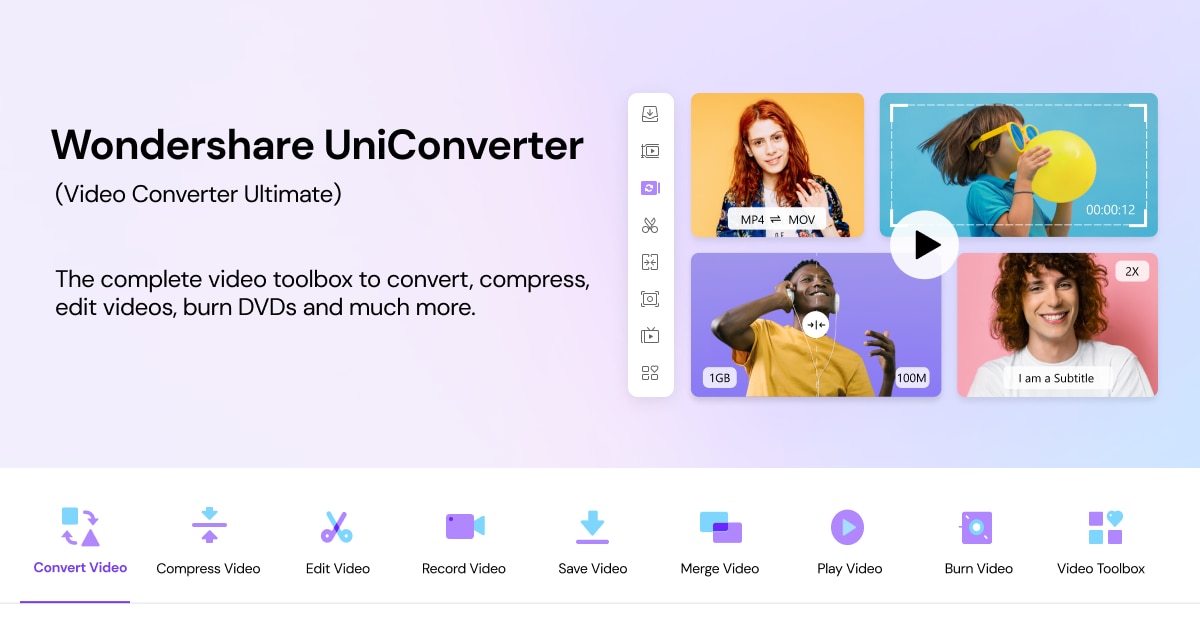
Wondershare UniConverter is an all-in-one AI-powered video converting and enhancing tool designed to elevate your media projects with ease and efficiency. Supporting over 1,000 formats and enabling conversions up to 130× faster, UniConverter empowers creators to transform 4K and 8K videos with supreme speed and clarity. Beyond simple conversion, it offers intelligent video enhancement upscaling footage to stunning resolutions, noise reduction, frame rate boosting, and smart compression to optimize file size without sacrificing quality. Whether you're working with video editing, compression, recording, or subtitle generation, UniConverter delivers a seamless multimedia workflow powered by next-gen AI.
Key Features
Ultra-Fast Video Conversion: Convert videos in over 1,000 formats, including 4K, 8K, HDR, and batch processing, with speeds up to 130× faster.
AI Video Enhancer: Upscale videos to 4K/8K resolution, refine details such as faces and animations, reduce noise, and increase frame rates up to 240 FPS.
Smart Compression: Automatically select the best compression mode to reduce file size up to 90% while preserving visual quality.
4K Video Recorder: Capture screen, apps, online meetings, and streaming videos in up to 4K at 120 FPS with high-quality audio.
AI-Powered Toolbox: Includes video/audio denoiser, vocal remover, background remover, watermark remover, voice changer, subtitle generator, and video summarizer.
Subtitle & Translation: Generate and edit precise bilingual subtitles in over 145 languages.
Metadata Management: Preserve, repair, and edit metadata across media files for optimal organization.
DVD Tools: Easily burn videos to DVDs or convert DVDs into digital formats.
Video Merging & Chapter Management: Seamlessly combine multiple videos and create or manage chapters for better organization.
Content Creators & YouTubers: Convert and enhance high-resolution video footage quickly, create subtitles, remove watermarks, and compress files for faster uploads.
Film & Video Editors: Upscale older footage to HD or 4K quality, denoise audio/video tracks, and merge scenes smoothly.
Educators & Presenters: Record online classes or meetings in high quality, add subtitles in different languages, and generate video summaries for quick reviews.
Social Media Managers: Compress and convert videos for optimal format and size without losing quality; create eye-catching video content.
Business Professionals: Manage and edit video presentations, burn DVDs for distribution, or preserve metadata for archiving.
FAQ
Q: Which platforms does Wondershare UniConverter support?
A: UniConverter is available for Windows (Windows 11/10/8/7) and macOS (10.13 or later, including macOS 26 Tahoe). Online tools are also available free.
Q: What video formats are supported?
A: Over 1,000 formats including MP4, MKV, MOV, M4V, WMV, TS, AVCHD, and more.
Q: Is AI enhancement automatic?
A: Yes, UniConverter uses AI to intelligently upscale, denoise, compress, and enhance videos and images automatically.
Q: Can I try UniConverter before purchasing?
A: Yes, there is a free trial available to test the core features, including conversion and enhancement.
Q: Does UniConverter support batch processing?
A: Yes, it supports batch conversions for handling multiple videos simultaneously.
Q: What AI tools are included in the toolbox?
A: Tools include noise remover, watermark remover, vocal remover, background remover, voice changer, subtitle generator, and video summarizer.
Q: Can I record screen activities and streaming videos?
A: Yes, UniConverter features a 4K screen recorder supporting up to 120 FPS with high-quality audio.
Experience the next level of video processing with Wondershare UniConverter — powerful, intelligent, and ready to transform your multimedia projects with professional-grade AI-assisted features.