

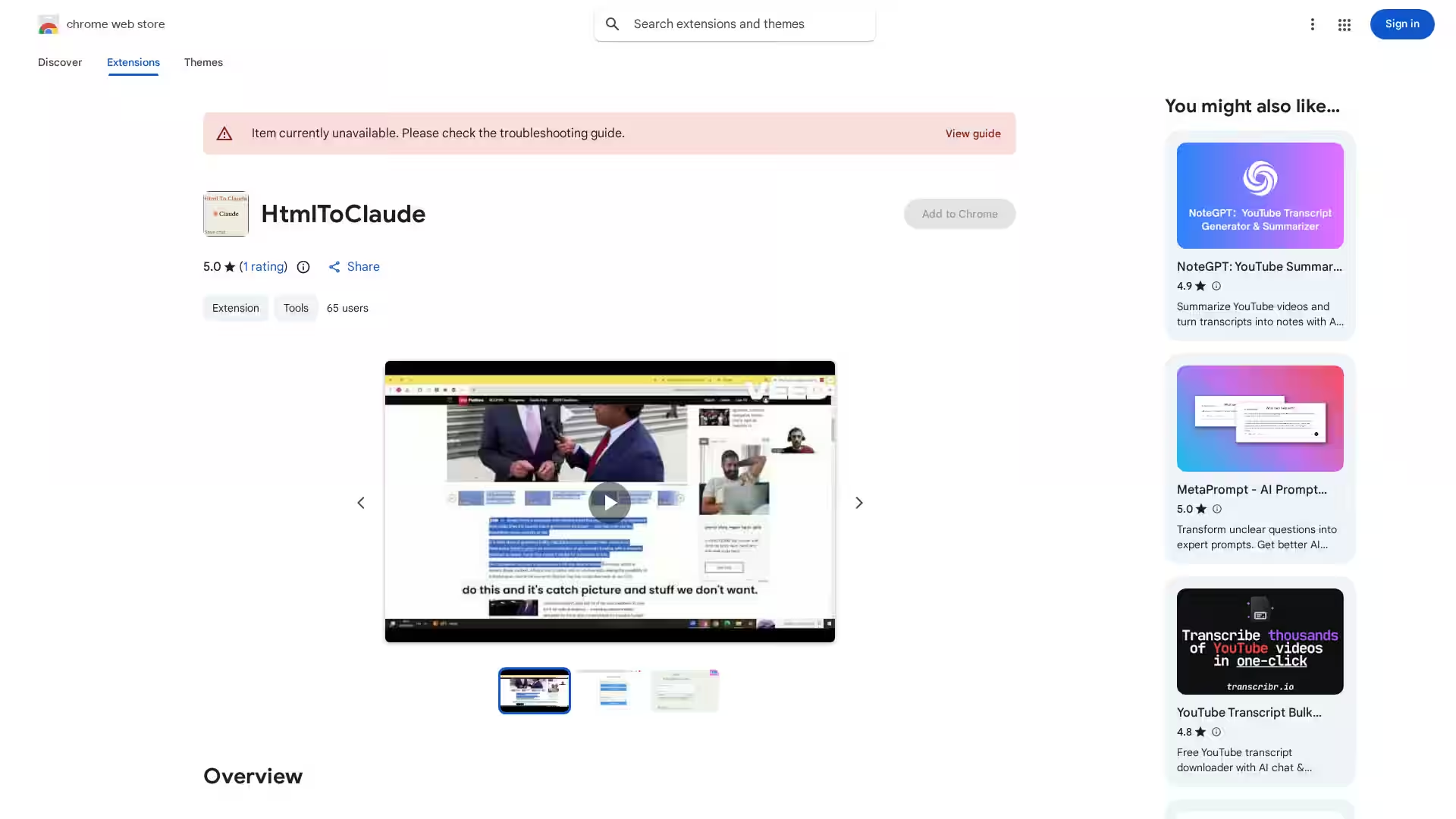
Overview
HtmlToClaude is a powerful Chrome extension designed to enhance your workflow with Claude AI by simplifying the process of sharing web content. Whether you're a researcher, writer, or someone who frequently interacts with Claude AI, this tool helps you effortlessly capture HTML content from any webpage and paste it directly into Claude AI’s input field for more meaningful conversations. It also offers the ability to download your AI chats in multiple formats and toggle text direction, ensuring better usability across languages.
Key Features
- HTML Extraction & Copying: Seamlessly extract relevant HTML content from any webpage with just a few clicks.
- Direct Paste in Claude AI: Paste copied HTML content directly into Claude AI conversations without losing formatting.
- Download Conversations: Export your Claude AI chats in text, Word, or PDF formats for future reference or documentation.
- Text Direction Toggle: Switch between Left-to-Right (LTR) and Right-to-Left (RTL) text direction to support multiple languages and reading preferences.
- Lightweight & Easy to Use: With a minimal file size of 24.55 KiB, the extension is fast, responsive, and user-friendly.
- Privacy First: The developer does not collect or sell your data, ensuring your information stays secure.
Use Cases
- Researchers: Quickly capture and share complex HTML data or website excerpts into Claude AI for detailed analysis and insights.
- Writers & Content Creators: Maintain the integrity of web content formatting when transferring content into AI conversations, helping generate precise and context-aware responses.
- Multilingual Users: Effortlessly switch text direction to accommodate languages like Arabic or Hebrew, improving readability and interaction.
- Documentation & Archiving: Download AI conversations in preferred formats for record-keeping or sharing with collaborators.