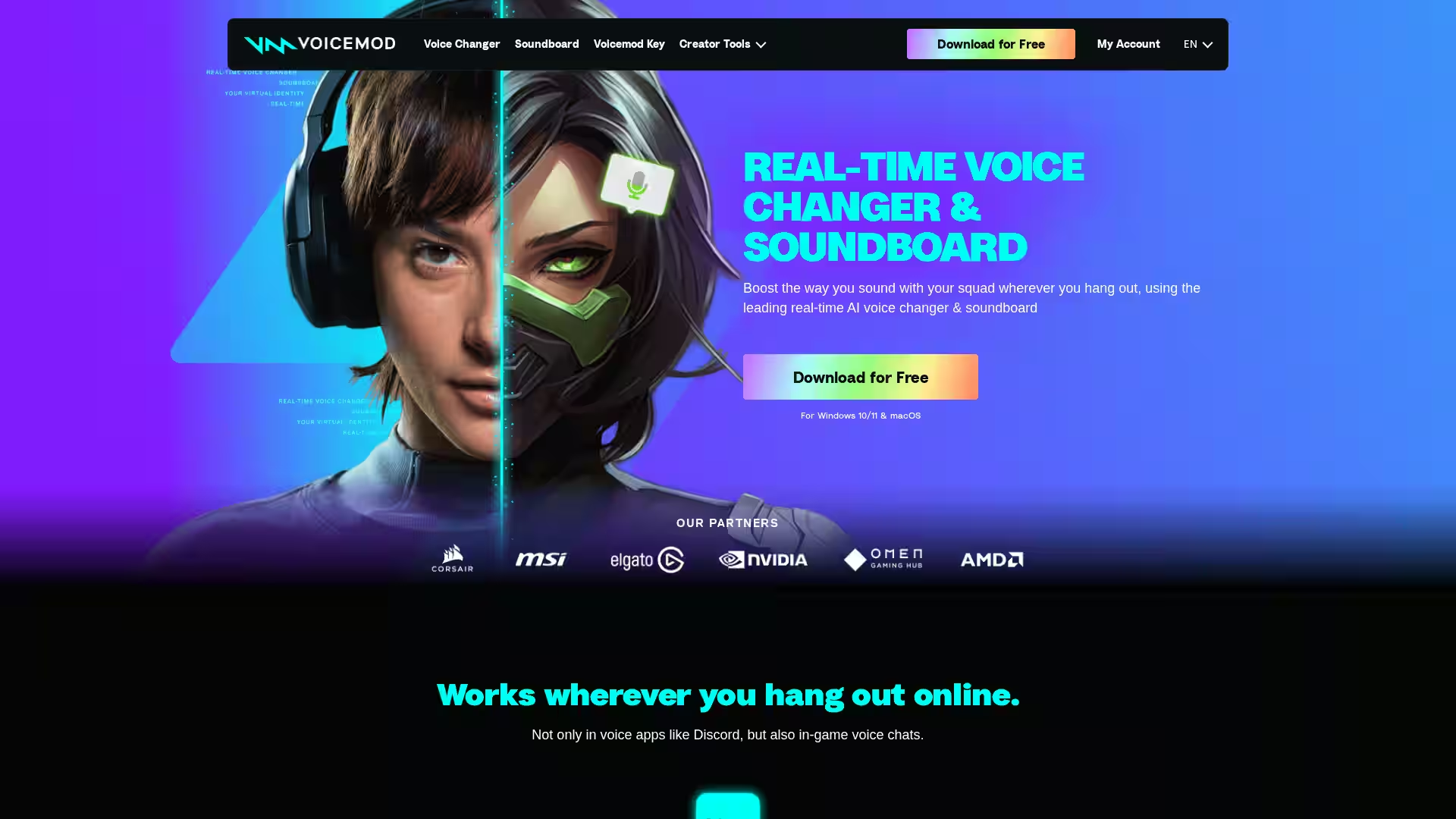
Voicemod is a leading real-time voice changer and soundboard application available for Windows 10/11 and macOS. Designed to enhance your audio presence in gaming, streaming, or online conversations, Voicemod integrates seamlessly with popular voice chats such as Discord, in-game voice communications, and more. The software allows users to transform their voice into any character or style they desire, with over 200 unique voice effects ranging from AI-generated anime characters to military radio sounds.
Beyond voice modulation, Voicemod also features an interactive soundboard that lets users drop humorous sound memes and effects during chats or streams to entertain and engage their communities. The platform also offers users the ability to create and customize their own voice presets through Voicelab, a powerful tool combining various audio effects like Reverb, Delay, and Robotifier to craft unique voice signatures.
Voicemod supports recording of sound clips from diverse sources such as YouTube or in-game audio, allowing users to instantly capture and relive moments with features like Instant Replay that buffers the last 30 seconds of audio.
Key Features
Real-Time Voice Changing: Transforms your voice live with ultra-low latency so your conversations and streams feel natural and engaging.
200+ Voice Effects: Choose from a wide library of AI voices including anime, robotic, radio, and more, all trained with professional voice actors.
Custom Voice Creation with Voicelab: Mix and match voice effects to create personalized voice filters to suit any mood or character.
Interactive Soundboard: Add humor and context by triggering meme sounds and voice effects instantly during chats.
Sound Clip Recording & Instant Replay: Capture audio moments from various sources and replay them up to 30 seconds after they happen.
Virtual Microphone Integration: Installs a virtual mic on your device that routes modulated audio to any app or game.
Cross-Platform Compatibility: Works on Windows 10/11 and macOS and supports voice apps like Discord and most in-game voice chats.
Assign sounds to keyboard keys for quick access; control remotely via the Voicemod Soundboard Mobile App.
Gaming: Perfect your in-game communication by changing your voice live for roleplaying, anonymity, or fun with friends.
Streaming & Content Creation: Add unique voice effects and sound cues to entertain your audience and distinguish your streams.
Social Voice Chats: Spice up your conversations on Discord, Zoom, or other voice platforms by transforming your voice and dropping sound memes.
Audio & Video Production: Utilize Voicelab to design custom voices or sound effects for podcasts, videos, or animated projects.
Remote Collaboration: Use voice modulation and soundboards to keep remote meetings light-hearted and engaging.
FAQ
Q: Is Voicemod free to use?
A: Yes! Voicemod offers a free version with a wide selection of voices and features. Additional premium content and voices are available for purchase.
Q: On which platforms does Voicemod work?
A: Voicemod supports Windows 10 and 11, as well as macOS.
Q: Can I use Voicemod with any voice chat software?
A: Voicemod is compatible with most voice apps including Discord, Zoom, Teams, and in-game voice chats.
Q: How do I set up Voicemod?
A: Simply download the app to install a virtual microphone, select 'Voicemod Virtual Microphone' as your input device in any application, and start choosing your voice effects.
Q: Can I create my own voice effects?
A: Absolutely! Voicelab allows you to mix various effects to craft and customize unique voices.
Q: How do I control the soundboard during streams or chats?
A: You can assign sounds to keybinds on your keyboard or control the soundboard remotely via the Voicemod Soundboard Mobile App.
Q: Does Voicemod affect latency or performance?
A: Voicemod is optimized for ultra-low latency and minimal resource use, ensuring smooth performance during gaming and streaming.
Q: Are there any partnerships that enhance Voicemod features?
A: Yes, Voicemod collaborates with industry leaders such as Elgato for instant control integration, MSI for synchronized lighting effects, Razer for exclusive voice collections, Corsair for reactive lighting, and Qualcomm for optimized on-device AI voice processing.
Unlock new ways to connect and entertain with Voicemod, the ultimate real-time voice changer and soundboard for every online interaction.