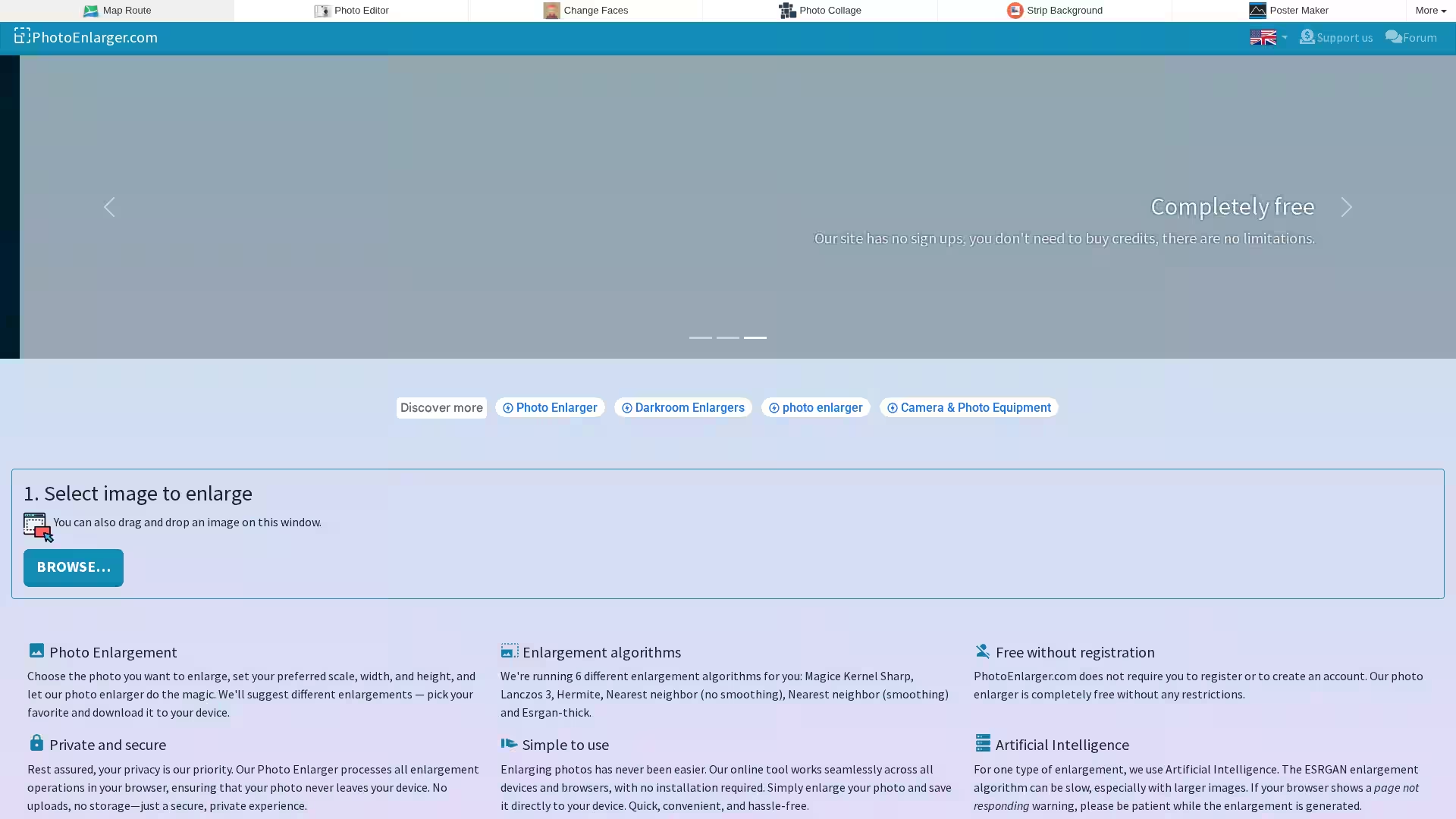
Upscale.media Photo Enlarger is a powerful, free, and privacy-focused web-based tool that allows users to enlarge and enhance images without losing quality. Whether you want to resize a picture for printing, improve its details for a digital project, or simply make it bigger without pixelation, Upscale.media delivers professional results directly in your browser — no installation, registration, or cost required.
Unlike many online photo upscalers that require you to upload images to a server, Upscale.media processes your enlargements locally in your browser. This ensures your photos never leave your device, maintaining maximum privacy and data security. The platform runs six different enlargement algorithms, including an advanced AI-based ESRGAN method, giving you multiple variations to choose from for the best visual outcome.
Designed for simplicity and speed, the service works across all modern devices and browsers. Just select your photo, set your scale or dimensions, run the enlargements, and download the result that suits your needs.
Key Features
Multiple Enlargement Algorithms
Upscale.media provides six different methods to enlarge your images:
Magic Kernel Sharp — Balanced sharpness and detail.
Lanczos 3 — High-quality resampling for clear edges.
Hermite — Smooth scaling with minimal artifacts.
Nearest Neighbor (No Smoothing) — Perfect for pixel art and crisp edges.
Nearest Neighbor (Smoothing) — Blends pixels while enlarging for softer results.
ESRGAN-Thick (AI) — Advanced AI-based method for enhanced detail and texture reconstruction.
Completely Free
No subscriptions, credit purchases, or registration required. Use all features without limitations.
Privacy First
All image processing occurs in your browser; your photos are never uploaded or stored externally.
Simple User Interface
Drag-and-drop or browse for your image, set scale or dimensions, enlarge, and download — all in a few clicks.
Cross-Platform Compatibility
Works on desktops, laptops, tablets, and smartphones in any modern web browser.
Cropped Enlargement Option
Focus only on the relevant part of your image with the crop-and-download feature.
Use Cases
Personal Photography: Enlarge vacation photos for printing or display without losing crispness.
Digital Art: Scale up illustrations, comics, or pixel art while preserving style integrity.
Marketing & Design: Prepare high-resolution images for campaigns, social media, or product catalogs.
Research & Documentation: Enhance small or old scanned images for readability in reports.
E-commerce: Improve product images for detailed presentation on online stores.
Education: Resize diagrams, maps, and visuals for instructional materials.
FAQ
Q1: Do I need to create an account to use Upscale.media?
No. The service is completely free and requires no sign-ups or log-ins.
Q2: Is my photo safe when using this tool?
Yes. All processing happens in your browser. Your images are never uploaded to external servers.
Q3: What is ESRGAN and why is it special?
ESRGAN (Enhanced Super-Resolution Generative Adversarial Networks) is an AI upscaling algorithm that reconstructs detailed textures and sharpness in enlarged images, often producing superior results over traditional scaling.
Q4: Will enlarging take long?
Most algorithms are instant or very fast. ESRGAN can take longer, especially for large images, so patience may be required.
Q5: Can I crop my image before downloading?
Yes. You can select a rectangular area of your enlarged image and download only that portion.
Q6: Are there any limitations on image size?
While there are no enforced limits, very large images may require more time and processing power, particularly for AI-based enlargement.
Q7: Does it work on mobile devices?
Yes. The site is fully compatible with mobile browsers, allowing on-the-go enlargements.
Upscale.media Photo Enlarger blends convenience, security, and advanced technology into an easy-to-use online tool that empowers users to upscale images without compromises. Whether you’re an artist, business owner, student, or hobbyist, it’s a fast and reliable solution for all your photo enlargement needs.