Newsletter
Join the Community
Subscribe to our newsletter for the latest news and updates


AI-powered tool to create and edit viral short-form videos with captions, B-rolls, sound effects, and seamless editing.
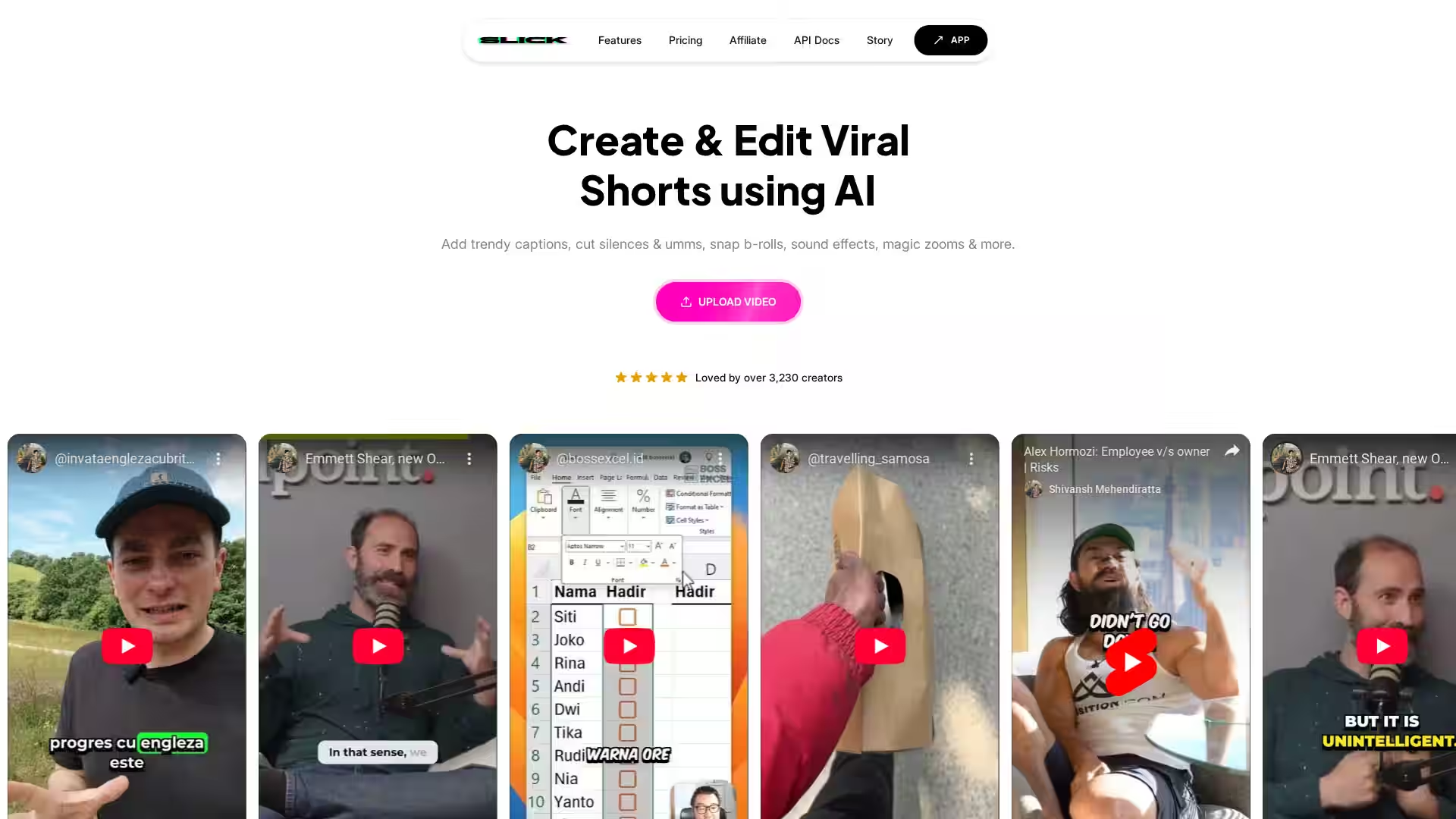
Slick is an AI-powered video editing platform designed to help creators transform raw footage—or even existing long-form videos—into viral, attention-grabbing shorts. Targeted at content creators, marketers, and social media managers, Slick makes the process of editing and publishing short-form content for platforms like TikTok, Instagram Reels, and YouTube Shorts simple, fast, and highly efficient.
Unlike traditional video editing tools, Slick focuses exclusively on short-form social content and is built with automation, customization, and speed in mind. Whether you upload a video from your device or paste a YouTube link, Slick’s AI analyzes the content, extracts the most engaging moments, and enhances them with trendy captions, relevant B-roll footage, music, sound effects, and even advanced effects like magic zooms—all in just a few clicks.
With a user base of over 3,230 creators, Slick is rapidly becoming a go-to tool for those who want to save time while creating high-quality, engaging short content without the steep learning curve of traditional editors.
Automatically add relevant and contextual B-roll clips to your main footage. This can dramatically increase viewer engagement and retention by breaking up visuals and keeping the content dynamic.
Choose from a growing library of caption styles, updated weekly. Customize fonts, colors, animations, and layouts to match your brand or content theme.
Eliminate distracting "umms" and lengthy silences with a single click, keeping pacing tight and content more engaging.
Turn YouTube videos into shareable shorts by automatically detecting the most captivating segments. Perfect for repurposing existing long-form content.
Add tailored background tracks and sound effects. Choose from Slick’s library or upload your own for a personalized touch.
Support for 106 languages allows accurate captions and subtitles for global audiences.
Edit and export videos in any aspect ratio suitable for TikTok, Instagram, YouTube, and other platforms—with resolutions up to 4K.
Precisely control duration by trimming irrelevant clips or extending moments for emphasis.
Create multiple versions of the same video with different captions, music, and effects, enabling A/B testing and platform optimization.
Drag-and-drop a local file or input a YouTube URL.
Add captions, B-rolls, transitions, emojis, and effects directly in Slick’s intuitive interface.
Export in desired formats and share directly on social platforms.
Quickly transform raw footage or live streams into snappy, trend-friendly clips.
Repurpose long-form videos into shorts for cross-platform promotion.
Produce polished content for campaigns, ads, and promotional clips with minimal human editing.
Highlight key moments from lectures, webinars, or podcasts for bite-sized knowledge sharing.
Convert audio/video episodes into engaging social snippets with captions and visuals.
Q: How often can I upload my videos to Slick?
A: Uploads are unlimited within your plan’s storage and processing limits.
Q: How long does it take to generate videos?
A: Most videos process and generate within minutes, depending on length and complexity.
Q: Can I get a live demo?
A: Yes, the Slick team offers demos and tutorials on request.
Q: Can I try Slick before subscribing?
A: Absolutely—Slick offers a free trial, no credit card required.
Q: Can I buy a custom plan?
A: Yes, tailored plans are available for agencies or high-volume creators.
Q: Can I cancel my subscription at any time?
A: Yes, subscriptions can be canceled anytime without penalty.
Q: Can I change my plan?
A: Upgrades or downgrades are possible through account settings.
Q: Can I get a discount?
A: Discounts may be available for annual plans or special promotions.
Q: Can I get a custom feature?
A: Slick offers custom development for enterprise clients.
Q: Where can I find the API documentation?
A: API docs are available via the Slick website under the "Docs" section.
Slick removes the biggest obstacles to producing viral short-form content—time, technical skill, and creative resources—by automating repetitive tasks and offering a suite of customization options. Whether you’re a social creator looking to grow your following, a brand aiming to maximize engagement, or a professional simply wanting to repurpose content efficiently, Slick delivers speed, simplicity, and professional polish. If you’re ready to upgrade your video workflow, Slick is a compelling choice.