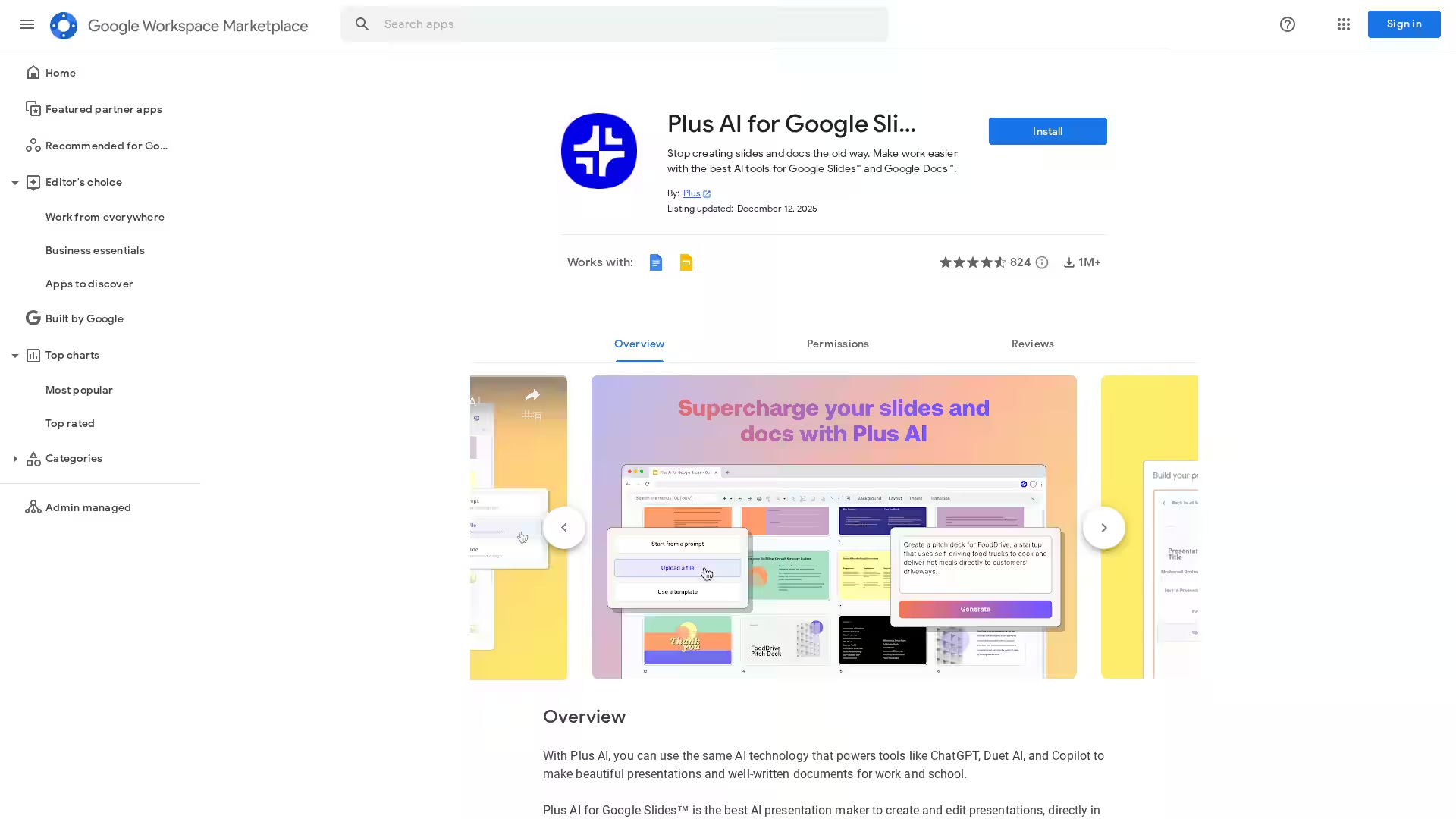
Plus AI for Google Slides is an innovative AI-powered add-on designed to streamline the process of creating, editing, and refining presentation content directly within Google Slides™. By integrating advanced generative capabilities, Plus AI empowers users to quickly produce professional, well-structured slides tailored to their audience and purpose. This add-on eliminates the need to start from scratch or spend hours fine-tuning content—its AI algorithms can draft, adapt, and enhance slides based on user prompts or existing material.
The tool bridges the gap between creativity and efficiency, allowing educators, marketers, business professionals, and students to focus on delivering impactful presentations rather than struggling with formatting or ideation. Since Plus AI operates entirely within the Google Slides environment, users can collaborate in real time and leverage all the familiar Google Workspace tools without changing platforms.
Key Features
AI-Assisted Slide Creation
Quickly generate a complete presentation outline or individual slides from a text prompt, topic, or existing content. The AI is trained to produce coherent structure, key points, and engaging visuals.
Content Enhancement
Automatically rewrite or improve existing slide text to make it clearer, more concise, or more compelling. Plus AI can adjust tone and style to fit your target audience, whether professional, educational, or casual.
Real-Time Integration
Works directly inside Google Slides™—no file exports or imports needed. All changes are saved to your Google Drive in real time.
Customizable Templates
Apply AI-generated content to various templates for specific presentation types: sales pitch, lecture notes, training modules, project proposals, etc.
Prompt Refinement Assistance
The tool helps users craft effective prompts for the AI, ensuring better output quality for more complex or specialized slides.
Collaboration-Ready
Multiple collaborators can work simultaneously on AI-enhanced slides, making brainstorming and iterative development easy.
Privacy & Security
Your data stays within Google Workspace’s secure environment, and Plus AI complies with Google’s privacy policies for marketplace apps.
Use Cases
Business Presentations
Busy professionals can create polished pitch decks, team updates, and strategy overviews without spending hours designing slides from scratch. The AI can suggest headlines, bullet points, and visual layout ideas.
Education & Training
Teachers, trainers, and instructional designers can quickly generate lesson materials, training decks, or student project outlines, with the AI organizing key takeaways into digestible slides.
Marketing & Sales
Marketing teams can produce campaign proposals, creative briefs, and sales enablement content faster, maintaining consistency and persuasiveness across all decks.
Research & Reports
Researchers can transform raw data and findings into structured, visually appealing reports that are easy to present to stakeholders.
Startup Pitches
Entrepreneurs can leverage AI to rapidly assemble investor-ready pitch presentations, with assistance in framing problem, solution, market, and financials in a compelling narrative.
FAQ
Q: Does Plus AI work outside Google Slides?
Currently, Plus AI for Google Slides™ is designed specifically as an add-on for Google Slides. It may integrate with other Google Workspace tools in the future.
Q: Can I edit AI-generated slides?
Yes. All generated content is fully editable within Google Slides. You can modify text, layout, and design elements at will.
Q: Is my data secure?
Plus AI operates within Google Workspace’s secure ecosystem and adheres to Google’s marketplace privacy and security standards.
Q: Do I need advanced technical skills to use it?
No. The tool is designed for users of any skill level. Simply enter a prompt or select existing slides to enhance.
Q: How accurate is the AI?
The AI produces high-quality, well-structured content for most common presentation needs. For highly specialized or technical subjects, some manual editing may be beneficial to ensure precision.
Q: Is Plus AI free?
Pricing may vary. Some features might be available for free, while others may require a paid subscription. Check the Google Workspace Marketplace listing for up-to-date pricing information.
Q: Can I use it for slides in languages other than English?
Plus AI supports multiple languages, though quality may vary depending on language complexity and topic.
By bringing AI-assisted creativity and productivity directly into Google Slides™, Plus AI enables anyone to craft sophisticated, effective presentations in a fraction of the time traditionally required. Whether you’re preparing for a business pitch, academic lecture, or creative showcase, Plus AI gives you the tools to turn ideas into visually compelling content effortlessly.