Subscribe to our newsletter for the latest news and updates
Online Audio Converter - ShipBest
Online Audio Converter
A free, fast, and secure online app to convert audio files between over 300 formats, extract audio from videos, and customize output with advanced settings.
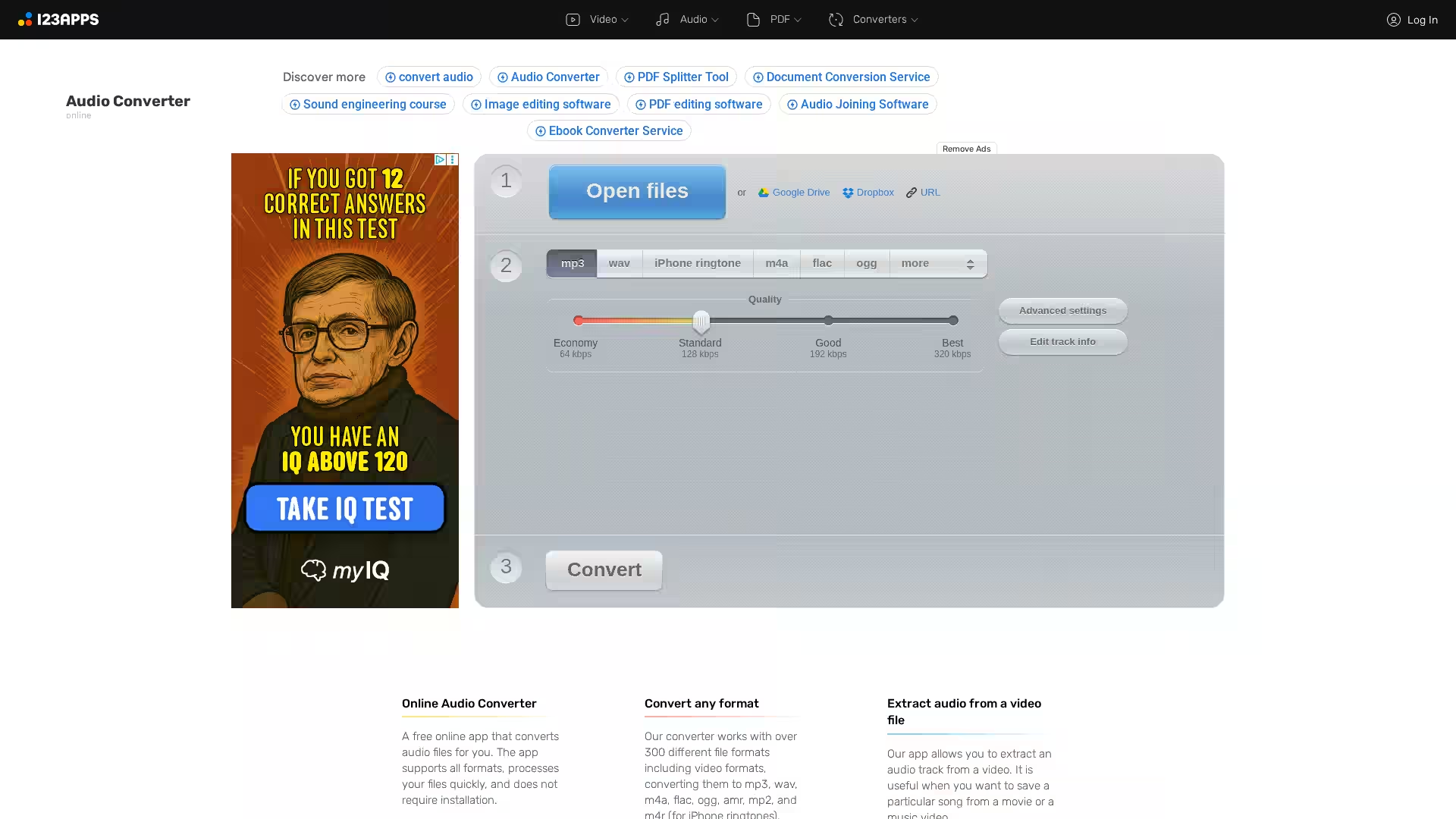
Online Audio Converter is a powerful, browser-based tool designed to convert audio files quickly and effortlessly without requiring any software installation. Supporting more than 300 different audio and video file formats, it enables users to convert files to popular audio formats such as MP3, WAV, M4A, FLAC, OGG, AMR, MP2, and M4R (iPhone ringtones). The tool is completely free to use, facilitates batch processing, and ensures the privacy and security of your files by automatically deleting them hours after conversion.
Beyond simple format conversion, it provides advanced options like bitrate configuration, sample rate adjustment, channel selection, and even reverse playback or fade in/out effects. The app also supports editing metadata tags including title, artist, album, year, and genre for relevant formats. You can extract audio tracks from video files, making it ideal for saving sound from movies, music videos, or other multimedia.
As an online service, it works directly in your browser with no need for downloads or installations. It’s designed to be fast, secure, and user-friendly, making it an excellent choice for both casual users and audio professionals alike.
Key Features
Convert between 300+ formats: Supports a vast range of audio and video file formats for input and output.
Extract audio from video: Easily separate audio tracks from video files in formats like MP4.
Editing and optimizing audio: Adjust audio quality, fade effects, and tag information before listening or sharing.
Batch processing for professionals: Quickly convert or prepare multiple audio files for projects.
Cross-platform convenience: Use from any device with a browser, be it Windows, macOS, Linux, or mobile.
FAQ
Q: Is Online Audio Converter free to use?
A: Yes, the basic usage of Online Audio Converter is entirely free, with no limits on file size other than natural browser restrictions.
Q: Do I need to create an account to use it?
A: No account is required for basic conversion. However, creating an account unlocks premium features like larger file support and ad removal.
Q: How long does it take to convert files?
A: Conversion speed depends on file size and your internet connection but typically completes within seconds to minutes.
Q: Is my data safe when I upload files?
A: Yes, files are automatically deleted from the server within a few hours, and no one else has access to your files.
Q: Can I convert video files?
A: Yes, you can upload video files to extract audio or convert the audio track directly.
Q: What formats can I convert to?
A: The app supports multiple output formats including MP3, WAV, M4A, FLAC, OGG, AMR, MP2, and M4R for ringtones.
Q: Does it support batch conversion?
A: Yes, you can upload multiple files and the tool will convert them simultaneously and package them into a ZIP archive for download.
Q: Are there advanced audio features?
A: Yes, users can adjust bitrate, sample rate, channels, apply fade effects, reverse audio, and modify metadata tags.
Experience seamless audio conversion without downloads or complications with Online Audio Converter — a professional yet accessible tool right in your browser.