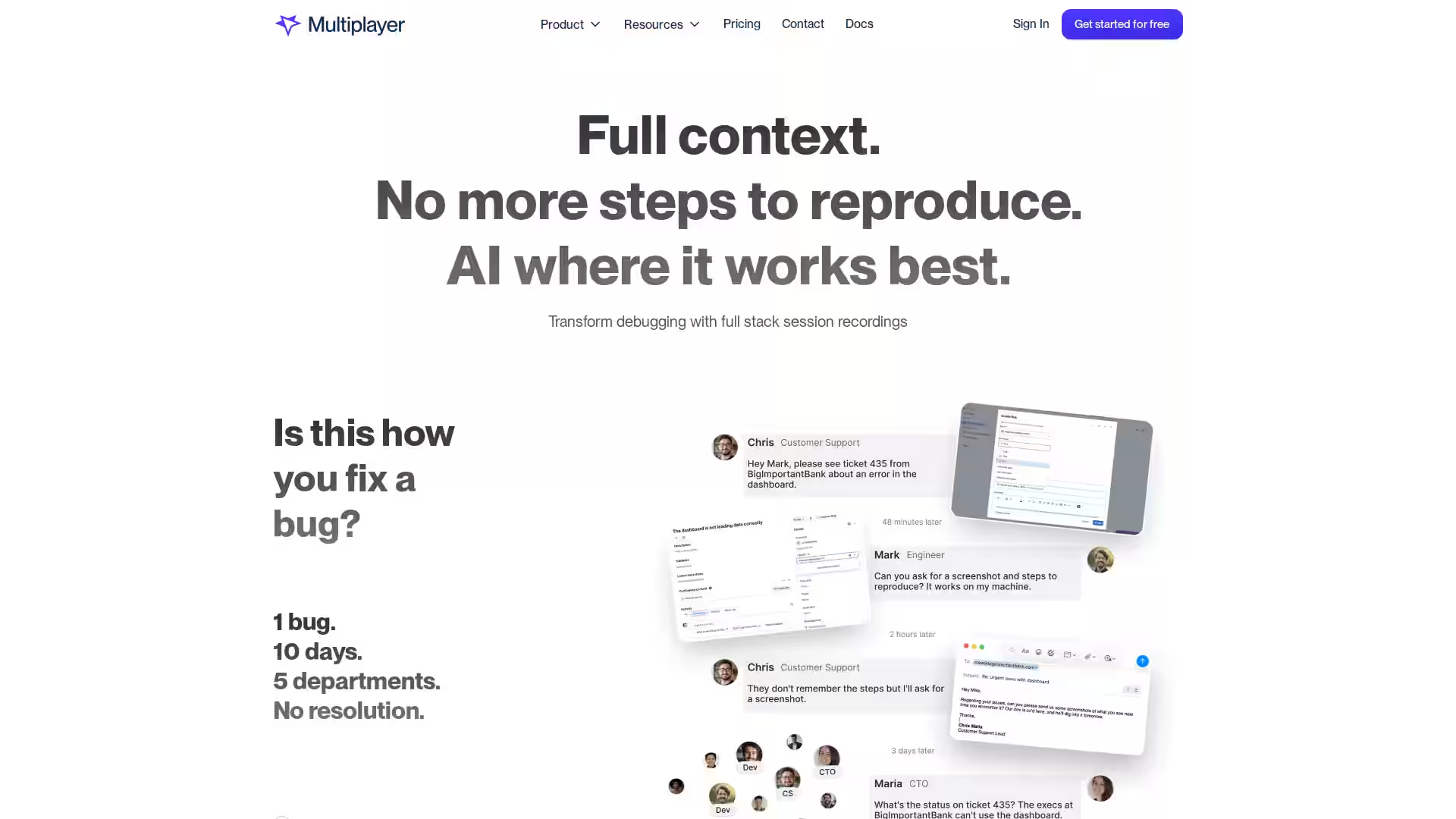
Multiplayer is a cutting-edge debugging platform designed to eliminate the chaos of troubleshooting modern software. By capturing full stack session recordings from user interactions, API calls, logs, and traces, Multiplayer provides developers, QA teams, and support staff with a holistic view of issues in real time. This comprehensive context eradicates the guesswork of reproducing bugs by delivering precise, actionable insights directly integrated into your IDE or AI tools. Whether you're debugging elusive, intermittent failures or building new features, Multiplayer streamlines workflows and empowers engineering teams to resolve issues faster and more efficiently.
Key Features
Full Stack Session Recording: Capture every detail of user sessions including frontend interactions, backend API calls, request/responses, logs, and traces seamlessly through browser extensions, in-app widgets, and SDKs.
On-Demand & Continuous Recording: Choose to record specific problem sessions on demand or enable continuous background recording to automatically capture issues without manual intervention.
AI-Ready Annotated Replays: Annotate replays with sketches, comments, and highlights directly on screenshots or sessions. Use these enriched recordings to feed AI assistants and copilots for automated debugging, test generation, and feature development.
Cross-Team Collaboration: Share session recordings easily across developers, QA, product, and support teams. Utilize collaborative sketches and comments to accelerate communication and reduce back-and-forth.
Seamless Integrations: Integrate with popular tools like OpenTelemetry, Honeycomb, New Relic, DataDog, GitHub, GitLab, VS Code, and AI coding assistants like Claude Code and Windsurf IDE to embed Multiplayer into your existing workflows.
Comprehensive Issue Grouping: Group user sessions into issues to focus on customer-impacting problems and prioritize fixes more effectively.
MCP-ready Full Stack Context: Deliver complete system context to your AI copilots, including user actions, traces, logs, headers, and more for smarter, hallucination-free AI-generated fixes.
Easy Setup: Get started quickly with SDKs for JavaScript, Node.js, Python, Java, .NET, Go, Ruby, PHP, Rust, Swift, React Native, and CLI tools. Install via npm or browser and editor extensions.
Use Cases
Debugging Difficult Bugs: Capture elusive bugs that are hard to reproduce with automatic background recording and detailed session context.
Improving Customer Support: Allow support teams to record sessions and share exact issue contexts with engineering, drastically reducing incomplete tickets and guesswork.
Accelerating Root Cause Analysis: Quickly identify why tests are failing or why complex, cross-service bugs occur without building custom dashboards.
Feature Development: Use annotated session recordings to transform bug fixes into actionable feature requests with rich context and AI-generated implementation plans.
AI-Powered Development: Feed rich session data to AI coding assistants to auto-generate fixes, tests, and new features with minimal prompting and high accuracy.
Cross-Team Collaboration: Facilitate communication between developers, QA, product managers, and external partners through shared replays with visual annotations and comments.
FAQ
Q: How does Multiplayer capture session data?
A: Multiplayer captures full stack session data using browser extensions, in-app widgets, and SDKs that record frontend events, API calls, logs, traces, and other telemetry.
Q: Is there any overhead or setup required?
A: Multiplayer offers zero setup overhead for continuous recording and minimal integration effort through well-documented SDKs and extensions to get started in minutes.
Q: Can I use Multiplayer with my existing tools?
A: Yes, Multiplayer integrates with many popular observability, CI/CD, IDE, and AI tools including OpenTelemetry, Honeycomb, GitHub, VS Code, and AI copilots.
Q: Does Multiplayer support AI integration?
A: Absolutely. Session recordings can be annotated and fed directly into AI copilots and IDEs, enabling smarter fixes and feature generation without missing context.
Q: Who can use Multiplayer recordings?
A: Sessions can be recorded and shared by developers, QA, product managers, support engineers, and even external partners to ensure everyone has full issue context.
Q: How does Multiplayer help with intermittent bugs?
A: By continuously recording sessions in the background and triggering recordings on anomalies, Multiplayer captures elusive, hard-to-reproduce bugs automatically.
Q: Is Multiplayer suitable for enterprise environments?
A: Yes, Multiplayer scales from startups to large enterprises, supporting complex microservices, cross-team workflows, and advanced debugging needs.
Get started with Multiplayer today and transform your debugging workflow with full stack session recordings that finally give you the full picture—effortlessly.