Newsletter
Join the Community
Subscribe to our newsletter for the latest news and updates


AI-powered online PDF editor, converter, OCR, annotator, and reader accessible on desktop, mobile, and web platforms for free and Pro users.
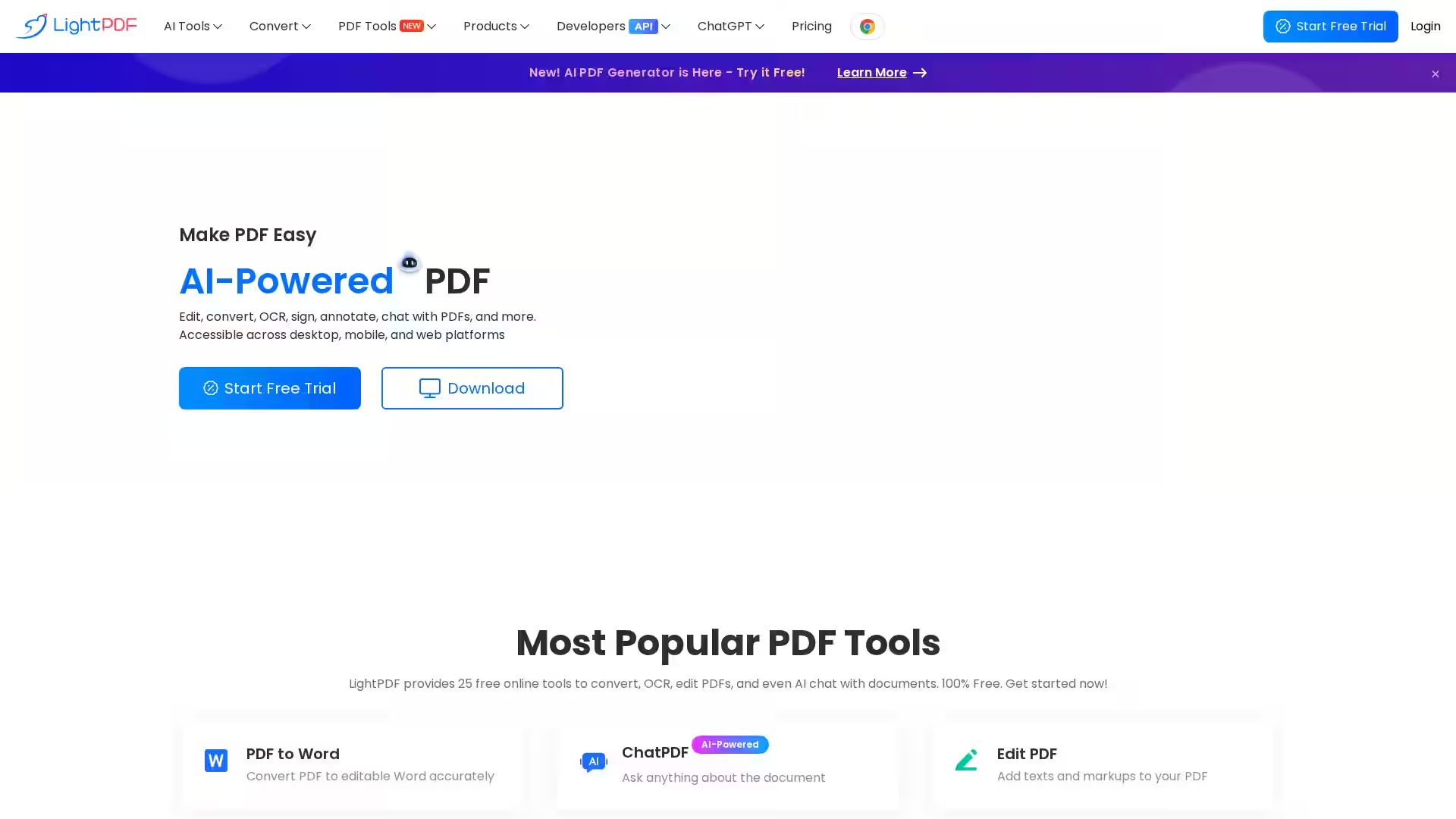
LightPDF is a comprehensive AI-powered PDF solution designed to simplify working with documents across all platforms—including desktop, mobile, and web. With over 25 free online tools, LightPDF enables users to edit, convert, OCR, annotate, compress, merge, sign PDFs, and even interact using AI chat capabilities. Whether you’re a student, professional, or developer, LightPDF serves as a powerful, versatile, and accessible platform that streamlines your PDF workflows with ease, speed, and security.
AI-Powered PDF Tools: Harness AI technology to edit PDFs like Word documents, perform OCR to convert images and scanned PDFs into editable text, and chat interactively with your PDF documents for summaries or in-depth analyses.
Edit PDFs: Add, delete, or modify text, images, links, watermarks, backgrounds, and annotations; insert stamps, shapes, and comments; and manage PDF content seamlessly.
Convert PDFs: Convert PDFs to Word, Excel, PowerPoint, images, and more with high accuracy. Convert files back into PDF format and perform batch conversions.
OCR Functionality: Extract text from scanned PDFs and images, supporting multiple languages with batch processing capability.
PDF Management: Merge multiple PDFs into one file, compress files without losing quality, and secure documents using digital and electronic signatures with validation support.
Cloud Sync & Accessibility: Upload and manage your PDFs on the cloud for easy access anytime, anywhere, syncing across devices.
Cross-Platform Availability: Use LightPDF seamlessly on Windows, macOS, iOS, Android, and web browsers with a single account.
Developer APIs & SDKs: Integrate LightPDF’s professional APIs and SDKs for PDF conversion, OCR, editing, protection, annotation, compression, rendering, and AI-powered chat functionality into your own apps.
Privacy & Security: Strong commitment to user privacy with no collection of private data and reliable 24/7 customer support.
Students & Educators: Easily annotate lecture notes, convert scanned worksheets into editable text, summarize lengthy academic papers with AI, and create study materials.
Business Professionals: Streamline workflows by editing contracts, merging reports, signing documents digitally, compressing files for email, and collaborating securely with teammates.
Developers: Embed PDF capabilities into web and mobile applications using LightPDF APIs and SDKs for custom PDF generation, editing, OCR, and AI chatbots.
General Users: Manage personal documents like bills, invitations, forms, and manuals effortlessly with simple, intuitive tools.
Q: Is LightPDF free to use? A: Yes, LightPDF offers 25 free online PDF tools. There is also a Pro version with advanced features and higher productivity options.
Q: What platforms does LightPDF support? A: LightPDF supports Windows, macOS, iOS, Android, and any web browser.
Q: Does LightPDF support batch processing? A: Yes, batch conversion and OCR text extraction are supported.
Q: Is my data secure? A: LightPDF respects your privacy and does not collect private user data.
Q: Can I use LightPDF offline? A: You can download the desktop and mobile apps for enhanced productivity, some features require an internet connection.
Q: Are there developer tools? A: Yes, LightPDF provides powerful APIs and SDKs for integration into your own applications.
Unlock the full potential of your PDF documents today with LightPDF’s intuitive, AI-powered, and all-in-one PDF platform.