Newsletter
Join the Community
Subscribe to our newsletter for the latest news and updates


An AI-powered project workspace that builds complete boards in 60 seconds and connects seamlessly with Google Workspace & Microsoft 365.
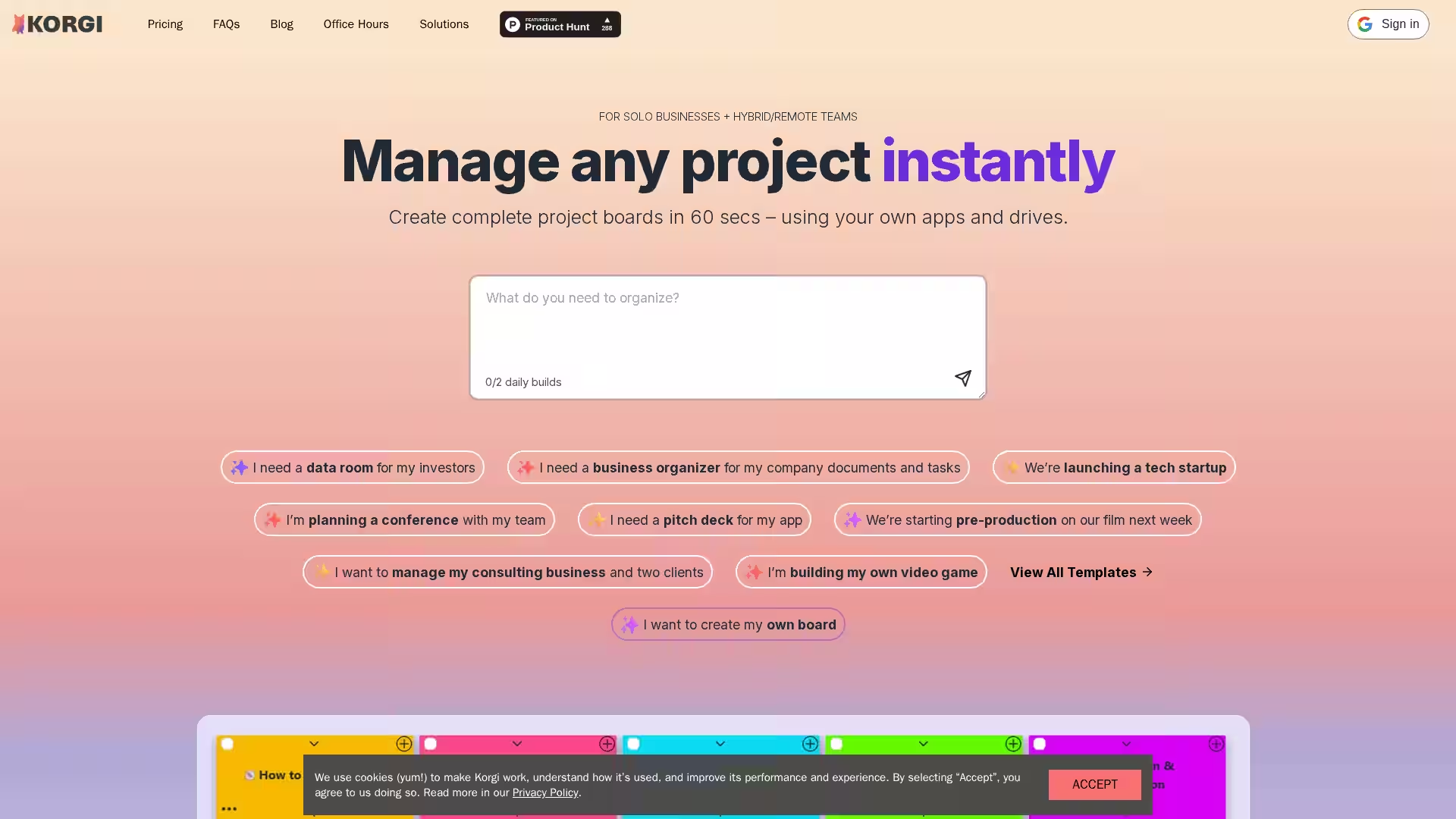
Korgi is an AI-driven, shared workspace platform that helps solo entrepreneurs, hybrid teams, remote companies, and creative professionals manage their projects from idea to completion—without the chaos of switching tabs or digging through folders. Designed for speed, clarity, and flexibility, Korgi lets you generate an entire project board in just 60 seconds, complete with tasks, content, and resources. Whether you’re building a startup, organizing a conference, planning a film shoot, or managing client deliverables, Korgi centralizes every app, file, and workflow into one intuitive interface.
Operating seamlessly across Google Workspace and Microsoft 365, Korgi eliminates the lock-in of single-platform ecosystems, making it perfect for teams and clients who work in mixed environments. From launching Zoom or Google Meet sessions to creating AI-assisted documents, Korgi is engineered to recover 5–6 hours of productivity per user per week—time that can be spent on the outcomes that matter.
Beyond task management, Korgi introduces curated resource hubs through Korgi Connect—a space for expert-led co-working sessions, structured networking, and vendor introductions tailored to your business stage and industry.
Q: How does Korgi work in mixed Google and Microsoft environments? A: Korgi lets you connect both Google Workspace and Microsoft 365 accounts. You can access and share files seamlessly without being limited to a single ecosystem.
Q: Can I tailor the project boards to my workflow? A: Yes, you can use Korgi’s AI to generate a custom board based on your description or start from scratch to build your own.
Q: Do I have to download software to use Korgi? A: Korgi runs in your browser, so there’s no installation required.
Q: What is Korgi Connect? A: Korgi Connect is an upcoming feature that offers structured networking, expert-led co-working sessions, and introductions to vetted vendors.
Q: Can I store my project data securely? A: Yes, Korgi uses Google Sheets for storing your data, ensuring long-term access and security.
Q: Is Korgi suitable for large teams? A: Absolutely. Korgi is built to support both solo workflows and collaborative projects across distributed teams.
Q: How fast can I create a board? A: Most users can get a complete AI-generated project board in 60 seconds or less.
Q: Does Korgi help reduce context switching? A: Yes. By centralizing tools, documents, and communication into one interface, Korgi eliminates unnecessary tab-jumping and increases focus.
Q: Can I integrate video calls? A: Yes, Korgi supports launching Zoom and Google Meet calls directly from your board on the Pro plan.
Q: How do templates work? A: Templates provide predefined structures for specific industries and scenarios, so you don’t have to start from a blank slate.