Newsletter
Join the Community
Subscribe to our newsletter for the latest news and updates


Kapwing is an all-in-one online video editing platform with AI-powered tools for creating, editing, and localizing video content easily.
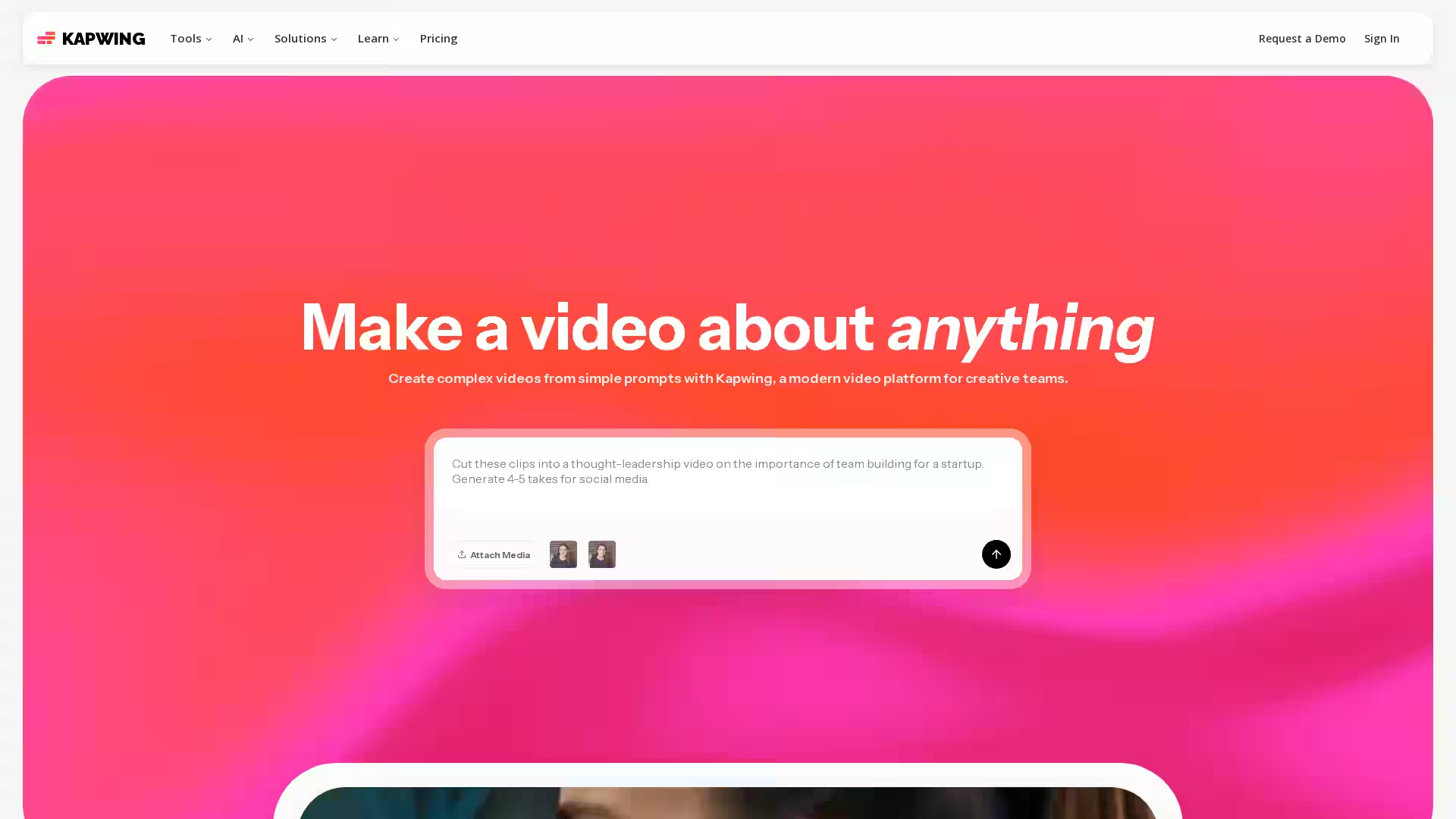
Kapwing is a versatile, modern video creation and editing platform designed to help individuals and teams produce professional-quality video content quickly and collaboratively. Without the need for downloads or complex software, Kapwing operates fully in the browser, making video editing accessible to creators of all skill levels. With over 30 million users worldwide, including marketers, educators, content creators, and communication professionals, Kapwing offers a suite of powerful tools enhanced by AI to streamline video production, localization, and distribution.
Kapwing supports everything from basic clip trimming and resizing to advanced AI workflows such as automated subtitle generation, dubbing in over 40 languages, and AI-driven video creation from simple text prompts. Its intuitive drag-and-drop timeline and collaborative features make it ideal for teams working across marketing, education, internal communications, and social media content creation.
Q: Do I need to download any software to use Kapwing?
A: No, Kapwing is completely browser-based and requires no downloads or installations.
Q: Can Kapwing automatically generate subtitles and translate videos?
A: Yes, Kapwing offers auto subtitle generation and dubbing features supporting over 40 languages.
Q: Is Kapwing suitable for team collaboration?
A: Absolutely, Kapwing's collaborative interface allows multiple users to comment and edit projects seamlessly.
Q: What AI features does Kapwing provide?
A: AI-powered tools include video generation from text prompts, script generation, automatic silence removal (Smart Cut), clean audio enhancement, B-Roll generation, and text-to-speech dubbing.
Q: Can I resize videos for different social media platforms?
A: Yes, Kapwing includes resizing and repurposing studios optimized for all major social networks.
Q: Does Kapwing support audio editing?
A: Yes, you can record, edit, and clean up audio tracks directly within the platform.
Q: How beginner-friendly is Kapwing?
A: Kapwing is designed to be intuitive and easy to use even for beginners, with templates and tutorials available.
Q: Is there a free version available?
A: Yes, Kapwing offers a free tier with access to many tools and features, with paid plans unlocking advanced capabilities and higher export limits.
Q: What types of users are best suited for Kapwing?
A: Kapwing serves a wide range of users including marketers, educators, content creators, and internal communication teams.
Q: How do I start using Kapwing?
A: Simply sign up for a free account at kapwing.com and begin creating directly in your browser. Paid plans and enterprise demos are also available for advanced needs.