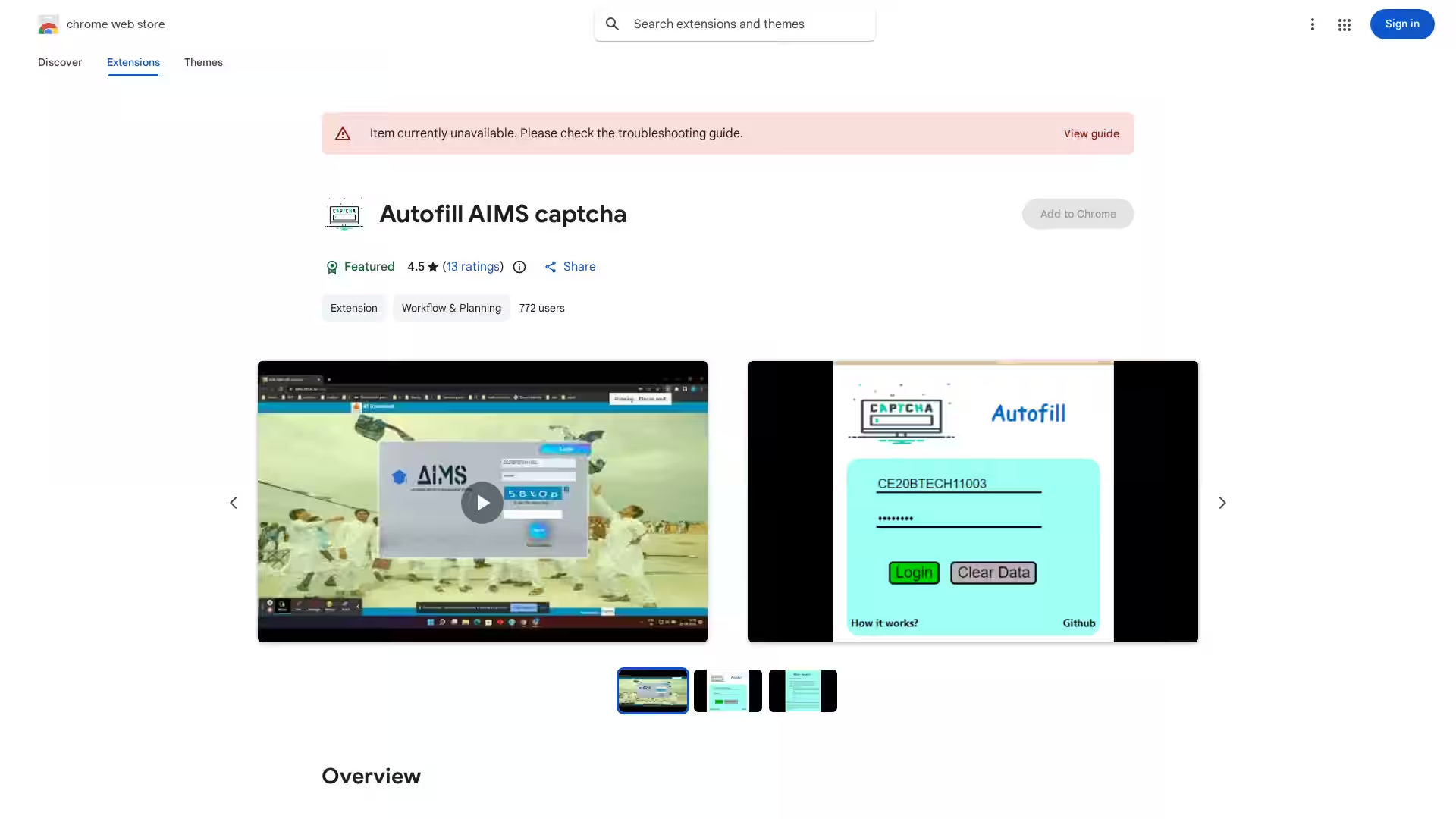
Autofill AIMS Captcha is a specialized Chrome extension designed to streamline the login process for systems using AIMS captchas. CAPTCHAs were originally created to differentiate humans from bots, but for frequent legitimate users, they can often become repetitive and time-consuming. This extension leverages DOM manipulation and machine learning algorithms to intelligently detect, interpret, and autofill AIMS captcha challenges. Once users enter their login credentials, the extension takes over the captcha solving process, enabling a quick and efficient sign-in experience.
With a lightweight footprint of just 57.42KiB and support for English (United States), Autofill AIMS Captcha offers a practical solution for individuals who regularly interact with AIMS-based portals. By automating the captcha step, it reduces friction, saves time, and ensures a smoother workflow without compromising accuracy.
Key Features
Automatic Captcha Solving – Eliminates the need for manual captcha entry by detecting and filling AIMS captcha challenges automatically.
Machine Learning-Powered – Uses trained models to interpret captcha patterns and provide high accuracy results.
DOM Manipulation – Precisely interacts with page elements to identify and submit captcha responses seamlessly.
Security-Conscious – Handles only essential authentication information and does not sell, transfer, or misuse user data.
Lightweight & Fast – Minimal storage footprint for quick installation and execution.
Easy to Use – Requires only your regular login input; the extension does the rest without complicated setup.
High User Ratings – Rated 4.5 out of 5 by existing users, reflecting reliability and performance.
If you log into an AIMS-based system multiple times a day, the repetitive captcha challenges can quickly become an annoyance. Autofill AIMS Captcha automates this step, letting you focus on your tasks.
2. Educational Institutions
Students and educators accessing online portals often face captcha barriers when retrieving schedules, grades, or resources. This extension simplifies the process, allowing faster access.
3. Workflow Automation
For professionals integrating AIMS portals into their daily work processes, eliminating manual captcha solving boosts productivity and workflow efficiency.
4. Accessibility Support
While not primarily marketed as an accessibility tool, reducing manual captcha interaction may help those with motor impairments or difficulties navigating visual captcha prompts.
FAQ
Q1: What is AIMS Captcha?
AIMS Captcha is a type of security challenge implemented on certain systems to verify that a real user (and not a bot) is attempting to log in.
Q2: How does the extension solve captchas?
The extension uses a combination of DOM element detection and machine learning-based image/text recognition to interpret and autofill the captcha field.
Q3: Does this work for all captcha types?
No, it is specifically designed for AIMS captchas. Attempts to solve other captcha formats may not work.
Q4: Is it safe to use?
Yes, the developer has disclosed that only essential authentication information is handled, and no data is sold or shared outside approved use cases.
Q5: How do I install it?
Visit the Chrome Web Store listing, click "Add to Chrome" and grant any required permissions. Once installed, simply log in as usual and let the extension handle the captcha step.
Q6: Can I use it without internet connection?
No, the extension requires internet access because captcha solving involves retrieving and interpreting dynamic web content.
Q7: Will it work on mobile browsers?
Currently, the extension is only supported on desktop Chrome browsers.
Q8: How often is it updated?
The latest update was in October 2022 to version 0.1.3. Updates are typically released when captcha formats change or when performance improvements are implemented.
Summary
Autofill AIMS Captcha is a focused, highly-rated Chrome extension built to ease the burden of repetitive captcha solving for AIMS-specific systems. It uses a smart approach—combining DOM manipulation and machine learning—for accuracy and user convenience. Its minimal footprint, security-conscious design, and simple user experience make it an excellent choice for anyone who regularly logs into AIMS portals.
By automating mundane captcha tasks, this extension helps users reclaim valuable time and streamline their digital workflows.