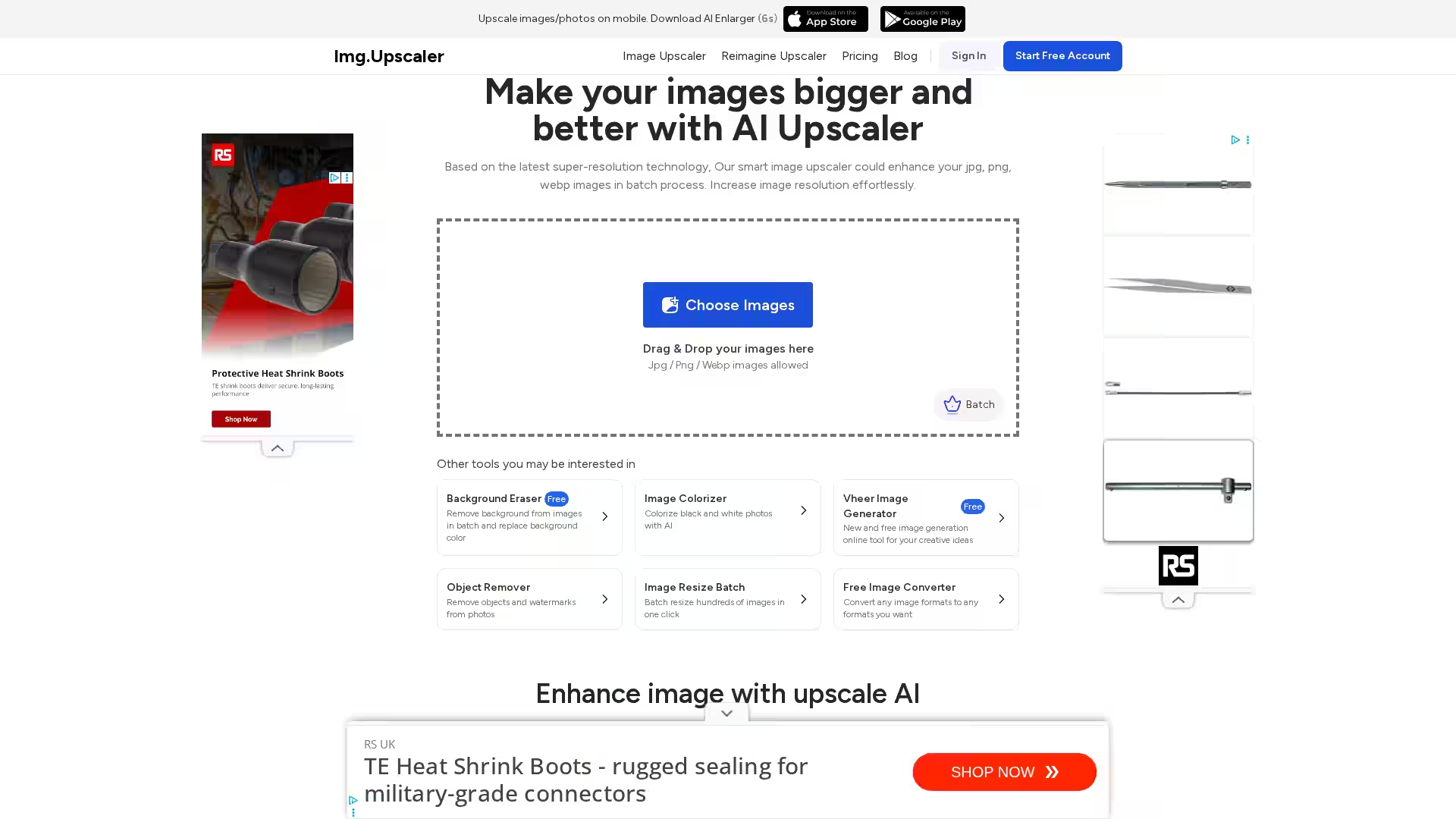
ImgUpscaler is an advanced AI-powered image upscaling tool designed to effortlessly increase the resolution of your images without compromising quality. Utilizing the latest super-resolution and deep learning technologies, it enables users to enlarge jpg, png, and webp images up to 400% while refining details and reducing blur and noise. With its intuitive web interface and batch processing capabilities, ImgUpscaler is perfect for photographers, designers, and digital content creators who want to enhance photos, graphics, or artwork for print, social media, or professional use.
Key Features
AI-Powered Upscaling: Employs cutting-edge artificial intelligence algorithms to intelligently add pixels and enhance image details without artifacts or quality loss.
2x and 4x Enlargement: Offers flexible upscale ratios to increase image dimensions by 200% or 400% for higher resolution output.
Batch Processing: Allows batch upscaling of multiple images simultaneously, improving productivity for large projects (free tier supports single images, paid plans allow multiple).
Supports Common Formats: Compatible with JPG, PNG, and WEBP image formats.
Powerful Editing Tools: Provides integrated editing features such as cropping, filters, brightness adjustment, annotation, and frames before or after upscaling.
Privacy and Security: Automatically deletes all uploaded images within 24 hours to protect user privacy.
Commercial Use Friendly: Upscaled images can be freely used in commercial projects with no hidden fees or restrictions.
Fast Processing: Leveraging super-resolution technology, upscaling is completed within seconds.
Use Cases
Photography Enhancement: Restore and improve the clarity of old, blurry, or low-resolution photos, making them suitable for prints or online portfolios.
Enhance product photos to display finer details, helping attract customers and improve sales.
Graphic Design: Enlarge graphic assets and artwork while maintaining sharpness for large-format prints or digital campaigns.
Social Media Content: Upgrade images to high resolution for improved engagement and visual appeal across platforms.
Restoration Projects: Colorize black and white photos, remove backgrounds, or objects before upscaling for professional image restoration.
FAQ
1. What is an AI Image Upscaler?
An AI image upscaler is a technology that uses artificial intelligence to increase the resolution of images by intelligently adding new pixels and refining details, resulting in clearer, sharper images.
2. How does ImgUpscaler work?
ImgUpscaler analyzes your uploaded image with deep learning models that generate additional pixel data, smooth edges, and enhance textures to produce a higher resolution image without noticeable quality loss.
3. Can I upscale multiple images at once?
Yes, ImgUpscaler supports batch upscaling. Free users can process one image at a time, while upgraded accounts can batch process up to 5 images or more depending on the plan.
4. What formats can I upload?
You can upload JPG, PNG, and WEBP image formats.
5. Does ImgUpscaler offer image editing?
Yes, powerful editing tools like cropping, applying filters, annotations, and fine-tuning brightness or contrast are available before or after upscaling.
6. Is it safe to upload my images?
Absolutely. All images are deleted from the servers within 24 hours to ensure your privacy and safety.
7. Can I use upscaled images commercially?
Yes, all upscaled images are free for commercial use without additional fees or restrictions.
8. How long does the upscaling process take?
Using advanced AI and super-resolution tech, processing typically completes within a few seconds depending on image size and batch count.
9. How do I start upscaling?
Simply drag and drop your images on the website, select your desired upscale ratio (2x or 4x), and click 'Upload and Start.' Preview the results and download your enhanced images.
ImgUpscaler makes image enhancement accessible, affordable, and efficient, whether for professional projects or personal use. Its combination of AI-driven technology, user-friendly design, and comprehensive output options makes it a go-to online image upscaling solution.