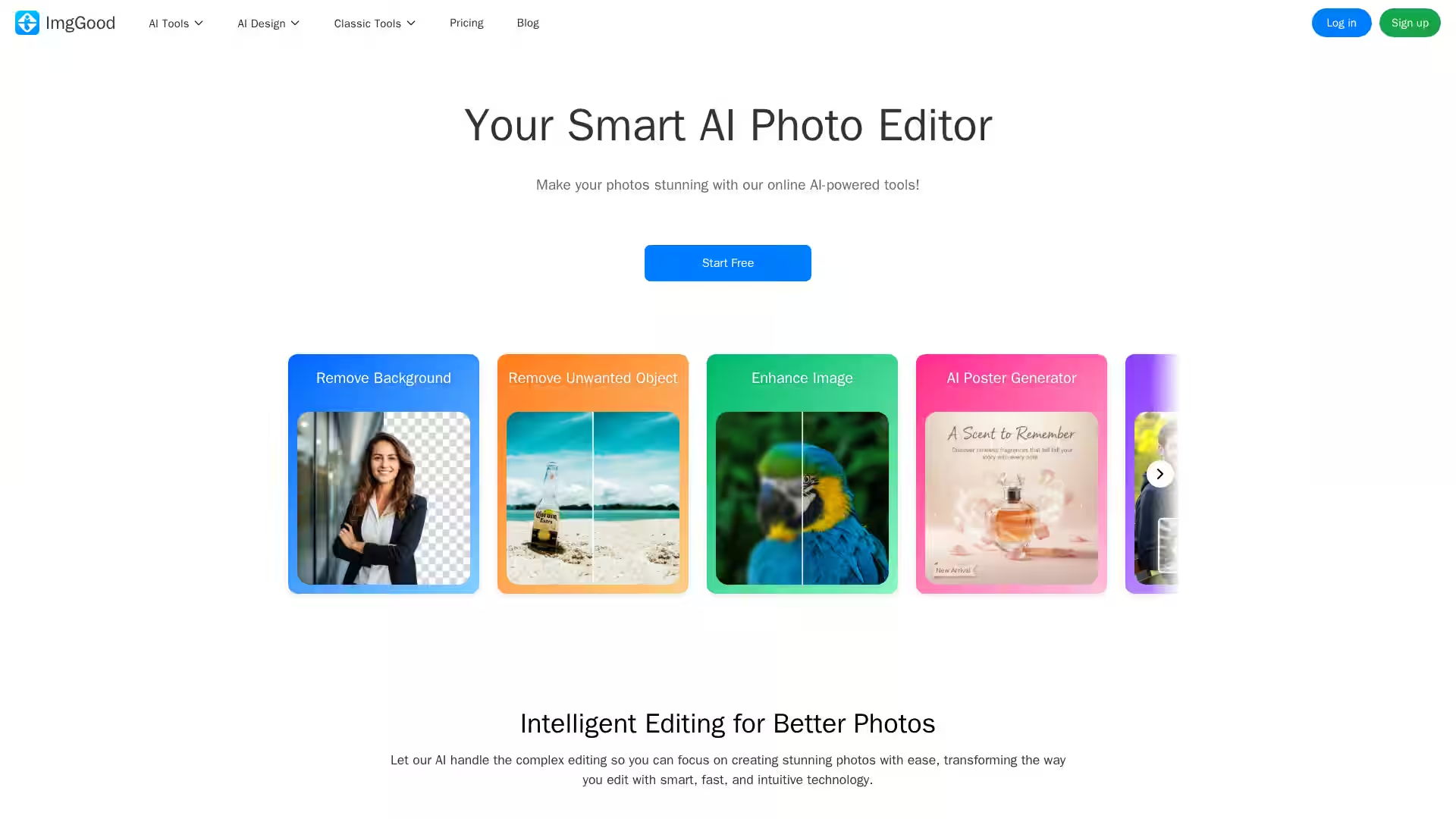
ImgGood is an advanced online AI-powered photo editing platform designed to simplify and enhance your image creation process. Whether you're a professional photographer, small business owner, designer, or enthusiast, ImgGood offers a comprehensive suite of tools to effortlessly edit and transform your photos. The platform leverages cutting-edge artificial intelligence technology to enable users to remove backgrounds, upscale images, remove unwanted objects, colorize old photos, swap faces, change hairstyles, extend images, and much more, all from within a fast and intuitive web interface.
With ImgGood, users of any skill level can create stunning visuals without the need for complex software or expensive equipment. The platform supports batch processing for convenient bulk edits, making it particularly useful for ecommerce businesses and social media marketers who need to process multiple images quickly.
Key Features
Background Remover: Quickly and precisely remove backgrounds from single or multiple images, enabling easy replacement with any background color or design.
Image Upscaler: Enhance photo resolution and clarity by sharpening blurry images and restoring lost details with AI technology.
Object Remover: Remove unwanted objects from photos simply by brushing over them; the tool fills in the wiped areas seamlessly.
Colorize Photo: Bring old black-and-white photos back to life by adding realistic colors using AI-driven colorization.
Face Swap: Swap faces in photos with precision to create fun or professional edits.
Hairstyle and Hair Color Changer: Experiment with different hairstyles and hair colors to envision new looks.
AI Image Extender: Expand images beyond original borders, intelligently filling missing areas to adjust composition and framing.
Photo to Sketch & AI Style Transfer: Turn photos into sketches or transform them with artistic styles inspired by famous painters.
AI Image Generator: Create unique images using AI based on your input or themes.
Bulk Background Remover & Bulk Image Editing Tools: Process multiple images at once for cropping, resizing, or background removal, ideal for ecommerce.
AI Product Photography: Generate high-quality, studio-style product images that highlight product features and enhance marketing.
AI Poster Generator & Mood Poster Maker: Design polished promotional posters for social media automatically by uploading your photos and adding your content.
Use Cases
Ecommerce Sellers: Batch remove backgrounds from product photos, enhance image quality, and create professional product shots to improve store appeal.
Social Media Marketers: Generate eye-catching promotional posters quickly to boost engagement on platforms like Instagram and TikTok without graphic design skills.
Photographers: Restore old or low-quality images, remove distracting objects, or creatively edit portraits and landscapes.
Content Creators: Use face swapping, hairstyle changing, and colorization tools to create amusing or stylized content.
Designers: Extend images to fit new formats or create AI-generated artworks and posters seamlessly.
Everyday Users: Remove backgrounds for profile pictures, colorize vintage family photos, or enhance vacation snapshots with intelligent editing tools.
FAQ
1. What is ImgGood?
ImgGood is a free online photo editor that uses advanced AI technology to offer multiple smart editing tools including background removal, object removal, image enhancing, colorizing, and more.
2. Is ImgGood free?
Yes, ImgGood provides a free plan allowing access to many features. For full capabilities and bulk processing, users can upgrade to the Pro plan.
3. Can I use ImgGood on mobile devices?
Absolutely! ImgGood is accessible via mobile web browsers, supporting a seamless editing experience across devices.
4. Which browsers does ImgGood support?
ImgGood works smoothly on popular browsers such as Google Chrome, Firefox, Safari, Microsoft Edge, and more.
5. Can I process multiple images at once?
Yes, ImgGood includes bulk tools for background removal, cropping, resizing, and more, enabling efficient batch processing.
6. How accurate is the AI background remover?
The AI-powered background remover is highly precise and fast, capable of handling complex edges and detailed images.
7. What kind of images is ImgGood best suited for?
ImgGood is versatile and supports product photos, portraits, landscapes, old black-and-white images, promotional content, and creative AI-generated art.
Using ImgGood, users can effortlessly create professional-quality images and promotional materials with minimal effort and no need for specialized software installations. Start editing your photos with ImgGood today and transform your visual content with the power of AI.