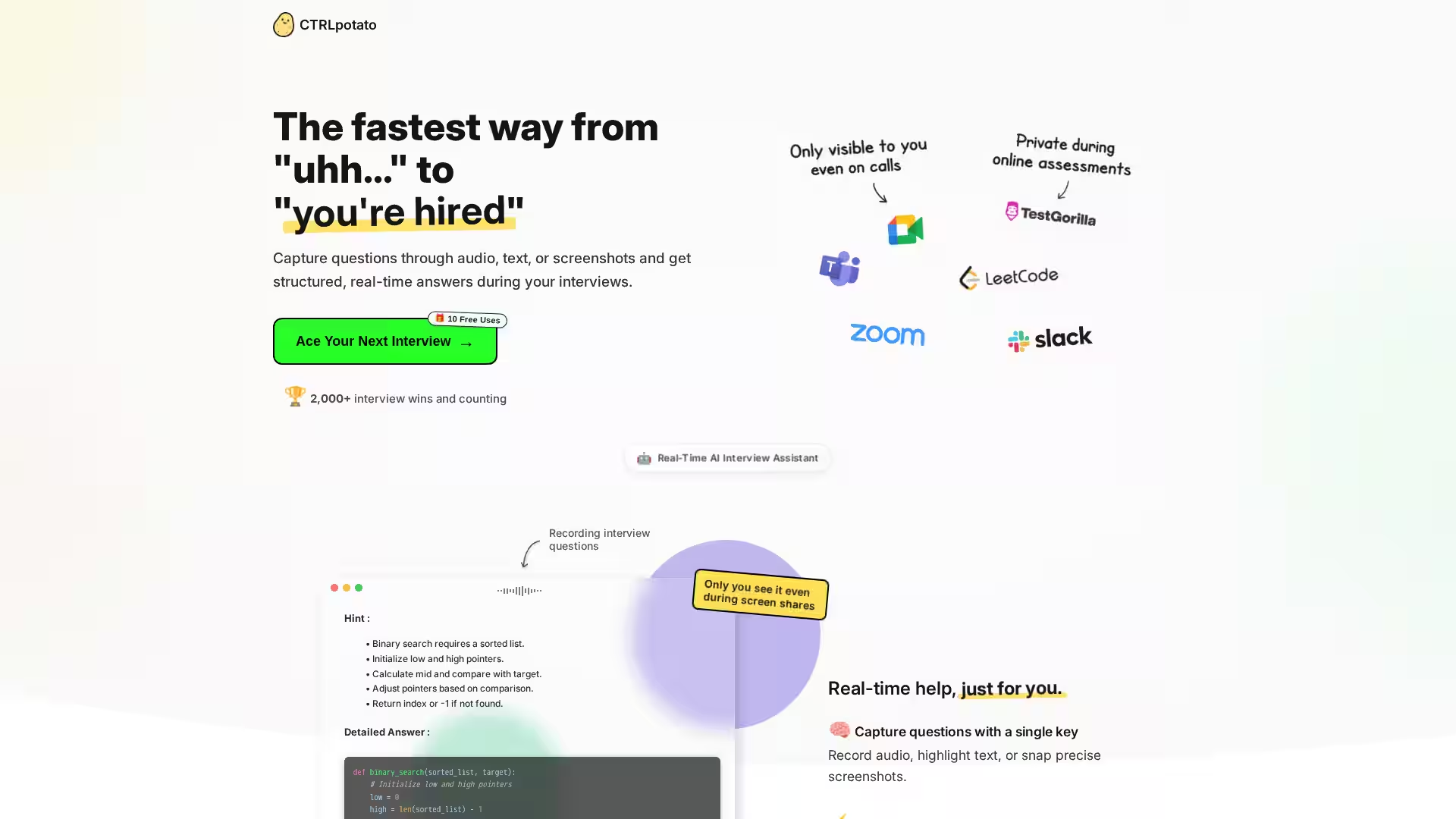
CTRLpotato is a cutting-edge real-time AI interview assistant designed to bridge the gap between uncertainty and confidently landing job offers. Built for candidates tackling technical, behavioral, and live coding interviews, CTRLpotato offers instantaneous hints and detailed answers while keeping your focus on the conversation. Whether you capture questions via audio, text highlights, or screenshots, the app processes your input in real-time and returns structured, context-aware responses to guide you through high-pressure moments.
Its discreet design ensures that you can receive help without disrupting your interview flow or revealing your tools to others. You can mirror answers to your phone, switch between top-tier AI models, and customize keyboard shortcuts — making it a powerful, adaptable companion for both macOS and Windows users.
For candidates managing multiple rounds of interviews or technical assessments, CTRLpotato also supports code generation in your preferred programming language and tailors answers based on your resume. With 2,000+ interview wins claimed by users, CTRLpotato stands at the forefront of AI-assisted interview preparation and execution.
Key Features
1. Real-Time AI Assistance
CTRLpotato captures questions through live audio transcription, text highlighting, or precise screenshots and provides instant help. You first receive a concise hint, followed by an expanded, structured answer.
2. Multi-Modal Input Capture
Record Live Audio: Transcribe spoken questions from interviews or calls.
Highlight Text: Select interview prompts or descriptions on your screen.
Snap Screenshots: Capture exact portions of your desktop for context.
Scan a QR code from the desktop app to open a live viewer on your mobile device, keeping your main screen clutter-free during calls. You can view real-time answers, trigger screenshots, send follow-ups, and change AI models directly from your phone.
4. Discreet Operation
CTRLpotato runs invisibly in Task Manager and Activity Monitor, and its interface remains on your side of the screen even during screen sharing.
5. Flexible AI Model Switching
Choose between multiple top-tier AI models to suit specific contexts, question types, or your preferred style of responses.
6. Context Buffer for Complex Questions
Aggregate audio snippets, text selections, and screenshots into a single buffer and send them together for AI processing. This allows the system to craft responses that account for all relevant details.
7. Resume Integration for Personalized Answers
Upload your resume so that CTRLpotato can customize replies based on your experience, tone, and background — ensuring answers sound authentic coming from you.
8. Customizable Shortcuts
Define your own keyboard shortcuts to activate captures, send context, and request answers without interrupting your workflow.
9. Cross-Platform Support
Available for macOS and Windows, with consistent feature sets across both.
10. Code Assistance
Receive code solutions in your preferred programming language with clear explanations.
11. Trial & Pricing
Get 10 free uses without providing a credit card. Plans start at $29/month, with a 3-month boost option available for heavy interview seasons. Cancel anytime, with access remaining until the end of your billing cycle.
Use Cases
Technical Interviews
Capture coding challenges via screenshots or text, and receive logically explained solutions that you can adapt on the fly. Ideal for platforms like HackerRank or Collabedit.
Behavioral Questions
Get structured talking points for competency-based or situational interview prompts, tailored to your background.
Multi-Part Questions
Feed CTRLpotato a collection of related inputs to generate a consolidated answer that addresses each part thoroughly.
Online Assessments
Mirror the app to your phone to avoid cluttering your main monitor and discreetly access help during proctored or shared-screen situations (where permitted).
Live Coding Rounds
Obtain hints first to guide your problem-solving process, then view full solutions for final refinements.
Language Adaptation
Adjust coding solutions to your preferred programming language instantly.
FAQ
Can interviewers detect CTRLpotato?
No, the application remains compact and discreet. It does not interfere with screen sharing and can be mirrored to your phone to remain invisible.
How does mobile mirroring work?
Scan the QR code displayed in the desktop app.
A live viewer opens in your mobile browser.
Keep your phone awake and positioned visibly.
Answers update in real time, and you can control actions from your device.
Is it ethical to use during interviews?
Use CTRLpotato only in contexts where external tools are allowed. It is designed to help candidates stay organized and communicate clearly.
How are multi-part questions handled?
A context buffer allows you to collect multiple snippets — audio, text, screenshots — and send them together for complete answers.
Will the AI sound like me?
Yes. By uploading your resume, the system tailors responses to match your tone and style.
What platforms are supported?
CTRLpotato runs on macOS and Windows.
What is the cost?
You can try it free for 10 uses. Paid plans start at $29/month; cancel anytime.
What’s the refund policy?
You can cancel at any time, but as a digital product, refunds are not provided.
Conclusion
CTRLpotato redefines the interview assistance category with a blend of discretion, rapid AI responses, and multi-modal context gathering. Whether you're preparing for technical whiteboard sessions or high-pressure behavioral panels, it equips you with instant, personalized guidance to maximize your performance and confidence.