Newsletter
Join the Community
Subscribe to our newsletter for the latest news and updates


Create custom CTO-themed shortcuts to instantly launch developer tools and workflows from your browser address bar.
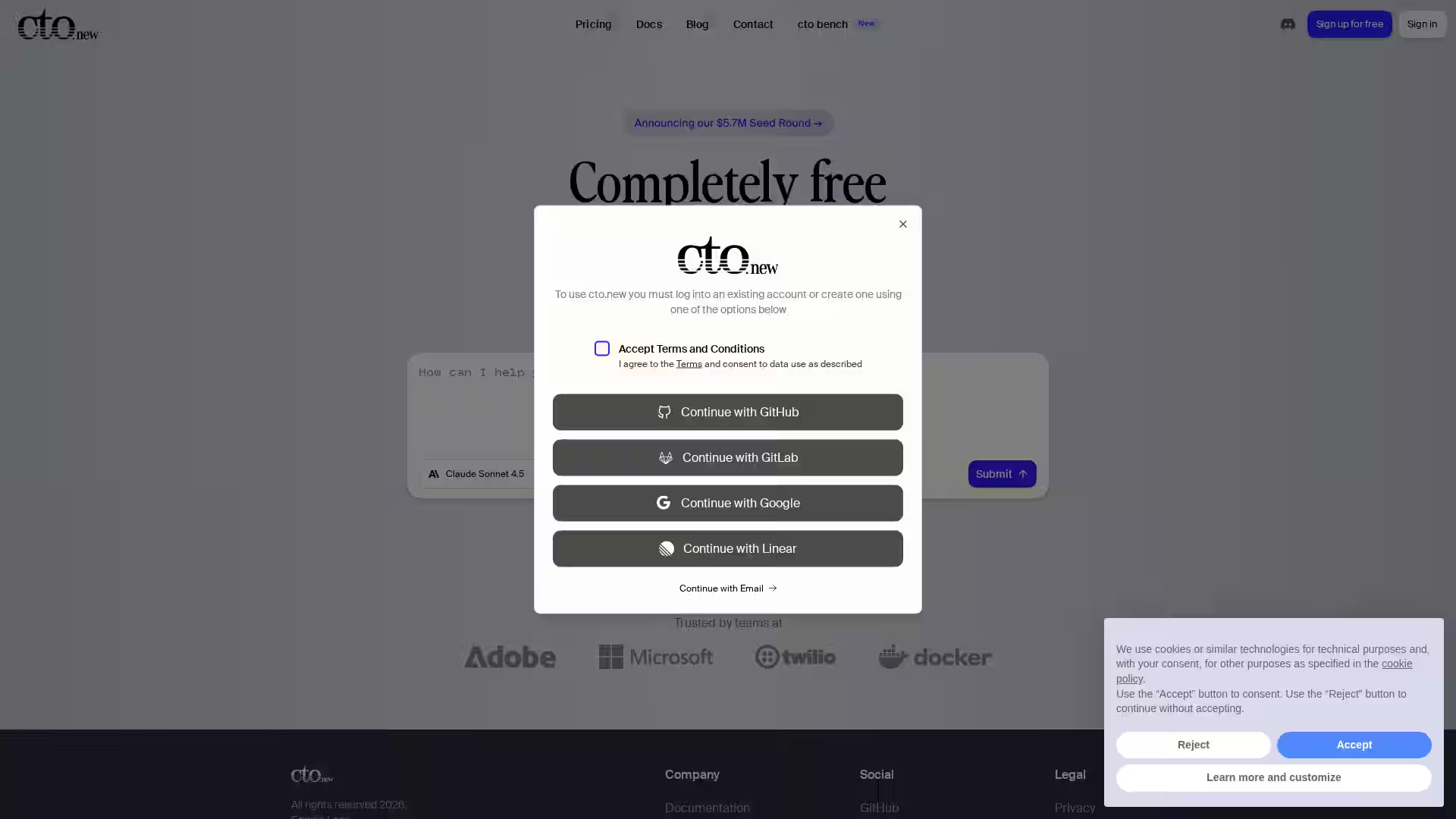
cto.new is a powerful web tool designed to streamline the workflows of Chief Technology Officers, developers, and tech teams by enabling them to create custom browser shortcuts. By typing simple, memorable keywords or phrases into the browser's address bar, users can instantly open a wide range of developer tools, project management apps, or internal resources without the need to navigate bookmarks or multiple tabs. Inspired by the simplicity and efficiency of GitHub's .new domain shortcuts, cto.new brings this productivity hack to CTOs and technical leaders, making daily tasks faster and more efficient.
Custom Shortcut Creation: Easily create personalized shortcuts linked to frequently used developer tools, dashboards, or documentation.
Instant Access: Launch apps or workflows directly from your browser’s address bar with minimal typing.
Predefined and Custom Commands: Utilize built-in shortcuts or generate your own tailored to your team’s stack and processes.
Cross-Browser Compatibility: Works seamlessly across modern browsers supporting address bar search engines and custom keyword features.
Streamline Workflow Integration: Connect to popular developer platforms, internal tools, Git repos, issue trackers, and more.
Lightweight and Fast: Minimalistic design focused purely on speeding up daily tech operations without distractions.
Rapid Navigation for CTOs: Quickly open technical dashboards, sprint boards, or engineering docs during meetings or stand-ups.
Developer Productivity: Developers can access code repositories, CI/CD pipelines, or bug tracking systems with a few keystrokes.
Team Onboarding: New hires can use preset shortcuts to familiarize themselves with internal resources and tools.
Automation Integration: Use shortcuts to trigger scripts, workflows, or API calls to speed up repetitive tasks.
Multi-tool Coordination: Seamlessly switch between communication apps, version control, and analytics without hunting through tabs.
Q: How do I set up a shortcut on cto.new?
A: Visit cto.new, enter the desired shortcut keyword, and configure the target URL or workflow you want to launch. Save it to enable instant access.
Q: Does cto.new support all browsers?
A: cto.new works best with browsers that allow custom search engine keywords, such as Chrome, Firefox, Edge, and Safari.
Q: Can I share shortcuts with my team?
A: Currently, shortcuts are personal, but sharing options are in consideration for future updates.
Q: Is cto.new free to use?
A: Yes, basic usage of cto.new is free with optional premium features planned.
Q: Can cto.new integrate with internal tools?
A: Yes, any URL or web-based tool accessible via a browser can be linked and launched using cto.new shortcuts.
cto.new is an elegant solution for speeding up technical workflows and helping CTOs and their teams stay focused on what matters: building great technology efficiently.