Newsletter
Join the Community
Subscribe to our newsletter for the latest news and updates


Clideo is an all-in-one online video editing platform offering easy tools for video merging, resizing, compressing, and more — no downloads needed.
Clideo is a versatile online video editing suite designed for users who need quick, simple, and effective video editing without the hassle of installing software. It provides a broad range of easy-to-use tools that enable users to merge, cut, resize, compress, convert, and create slideshows and memes directly through their web browsers. With support for almost all popular video and image formats, Clideo is accessible to both beginners and professionals looking for fast edits on the go.
The platform operates fully in the cloud, allowing for seamless processing with privacy and security taken seriously. Users can upload files from their devices, Google Drive, or Dropbox, and the output videos can be compressed, exported, or shared instantly. Clideo’s user interface focuses on simplicity and efficiency, making it a preferred choice for content creators, marketers, educators, and social media users.
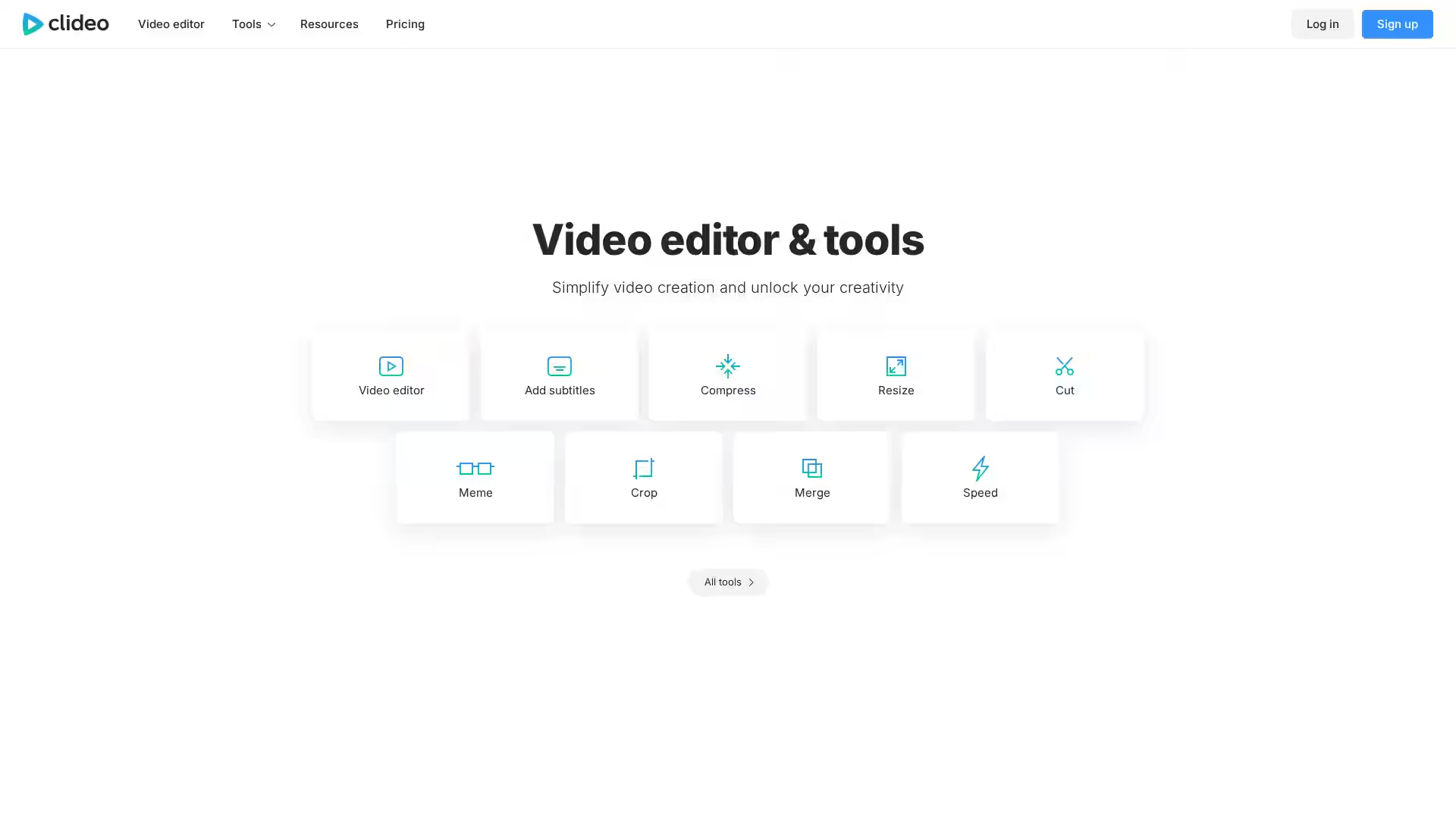
Comprehensive Video Editing Tools: Includes merging multiple videos, trimming unwanted segments, cropping frames, resizing to various formats, and adjusting playback speed.
Video Compression: Reduce file sizes without significant loss of quality, ideal for sharing and faster uploading.
Format Conversion: Easily convert videos and images to different formats such as MP4, AVI, MOV, GIF, JPG, and PNG.
Slideshow Maker: Create photo slideshows by adding music and transitions effortlessly.
Online Meme Generator: Customize videos and images with text captions to create engaging memes.
Support for Multiple Inputs: Upload content from your local device, cloud storage services like Google Drive and Dropbox, or via URL.
Cloud-Based Processing: No need to download or install software; all edits happen on the server with fast processing times.
Privacy and Security: Files are deleted from servers shortly after processing to ensure user privacy.
User-Friendly Interface: Simplified workflows that guide users step-by-step.
Social Media Content Creation: Quickly edit and compress videos to fit platform requirements for Instagram, Facebook, TikTok, and others.
Marketing Teams: Produce promotional clips, testimonials, or demo videos without advanced editing skills.
Educators and Trainers: Create instructional videos or presentations using trimming, merging, and slideshow features.
Personal Projects: Compile vacation videos, family events, or memes easily and share with friends.
Freelancers and Creators: Offer video editing services with a fast, reliable online tool.
Q: Is Clideo free to use? A: Clideo offers both free and paid plans. Free usage has some limitations like watermarks and output quality restrictions, while paid plans unlock advanced features.
Q: What video formats does Clideo support? A: Clideo supports most common formats including MP4, AVI, MOV, WMV, MKV, FLV for videos, as well as JPG, PNG, GIF for images.
Q: Do I need to install software? A: No, Clideo is entirely browser-based, so no downloads or installations are required.
Q: Is my data secure? A: Yes, uploaded files are processed securely and deleted from servers shortly after editing is complete.
Q: Can I edit videos on mobile devices? A: Yes, Clideo is optimized for use on desktops, tablets, and smartphones.
Q: What is the maximum file size? A: Free users have a limited file size, usually up to 500 MB. Paid plans allow larger uploads.
Q: Can I add music to my videos? A: Yes, some tools like the Slideshow Maker and video editing features allow you to add audio tracks.
Q: How do I share edited videos? A: After editing, videos can be downloaded locally or saved directly to cloud services, and shared via links.
Clideo provides a practical, straightforward editing experience suited for anyone from beginners to professionals looking for fast online video solutions.