Newsletter
Join the Community
Subscribe to our newsletter for the latest news and updates


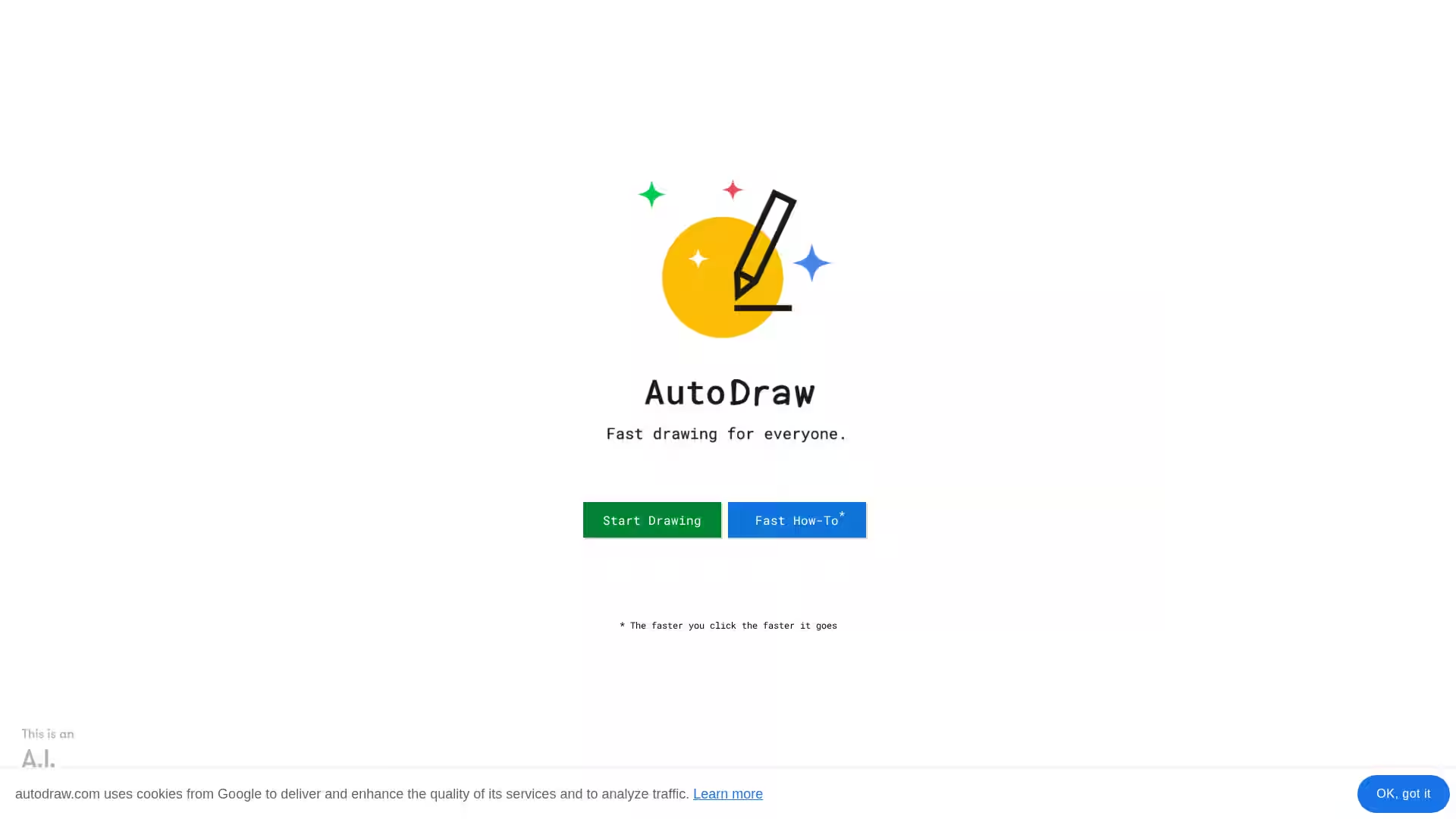
An AI-assisted drawing tool that uses machine learning to help anyone create fast, polished sketches easily.
AutoDraw is a free, web-based drawing application developed to make sketching fast, fun, and accessible to everyone regardless of their artistic skills. It combines machine learning with contributions from professional artists to auto-suggest refined versions of rough sketches. Whether you are designing a quick graphic for a presentation, a visual aid for teaching, or simply doodling for fun, AutoDraw can help you produce neat illustrations with minimal effort.
At its core, AutoDraw analyzes the shapes and lines you create in real time and then predicts what you’re trying to draw. It offers a lineup of polished, precreated drawings related to your sketch, allowing you to select and instantly replace your rough outline with a high-quality rendering.
AutoDraw works directly in your web browser, requiring no downloads, installations, or subscriptions. Its simplicity, speed, and practical utility make it an ideal tool for casual users, educators, designers, and anyone looking to communicate visually with ease.
AI-Powered Suggestion Engine
AutoDraw uses machine learning models trained on a wide variety of common objects, symbols, and shapes. As you sketch, the system interprets your lines and predicts what you might be drawing. The suggestions update in real-time, enabling you to quickly select the most accurate match.
Artist-Created Graphics Library
Suggestions aren’t generic clipart—you get access to a library of graphics drawn by talented artists. This gives your illustrations a more polished and intentional look compared to standard stock icons.
Cross-Platform Compatibility
AutoDraw runs entirely in your browser, working on desktops, laptops, tablets, and smartphones. You simply visit the website and start drawing, making it instantly accessible across devices.
Free to Use
No payment, login, or account creation is required. All features are available to all users without restrictions.
Instant Export & Sharing
Finished drawings can be downloaded as PNG files or shared online. This allows you to quickly use your artworks in documents, social media posts, and presentations.
Simple UI for All Skill Levels
AutoDraw’s user interface is straightforward: a blank canvas, drawing tools, color selector, and suggested icons bar. This makes it approachable for children, casual doodlers, and professional communicators alike.
Education: Teachers can create quick visuals to aid explanations in subjects like science and math. Students can use AutoDraw to design posters, diagrams, or visual storytelling projects without worrying about polished art skills.
Design & Marketing: Designers can produce placeholder artworks, simple icons, and graphic elements quickly, especially for prototypes and mood boards.
Personal Projects: Hobbyists and casual users can create fun illustrations for invitations, greeting cards, or personal blogs.
Content Creation: Bloggers, social media managers, and content creators can generate appealing graphics without hiring an illustrator or using complex design software.
Accessibility: AutoDraw provides a low-barrier creative outlet for individuals with motor skill challenges who benefit from assisted drawing suggestions.
Q1: Does AutoDraw require installation?
No. AutoDraw is a completely browser-based tool. You can visit the site via any modern browser and start drawing instantly.
Q2: Is AutoDraw free to use?
Yes. All of AutoDraw’s features are free without sign-up.
Q3: How does AutoDraw’s suggestion feature work?
The app uses a machine learning model trained to identify common drawings. When you make a sketch, it compares your lines to its database of shapes and offers possible matches from the artist-created library.
Q4: Can I use my AutoDraw creations commercially?
While AutoDraw content is free to use, it’s best to review their terms of service to ensure compliance with commercial usage guidelines.
Q5: Is there an offline version?
No. AutoDraw requires an internet connection since suggestions are powered by server-side machine learning models.
Q6: What devices are supported?
Any device with a modern browser—desktop computers, laptops, tablets, and smartphones—can use AutoDraw.
Q7: Who made AutoDraw?
AutoDraw is part of the suite of creative experiments by Google’s Creative Lab, designed to explore how machine learning can assist human creativity.
AutoDraw bridges the gap between raw sketches and polished illustrations using the synergy of artificial intelligence and human artistry. If you’ve ever struggled with drawing something recognizable, this tool gives you the confidence to quickly create visuals that are clear, sharp, and shareable.