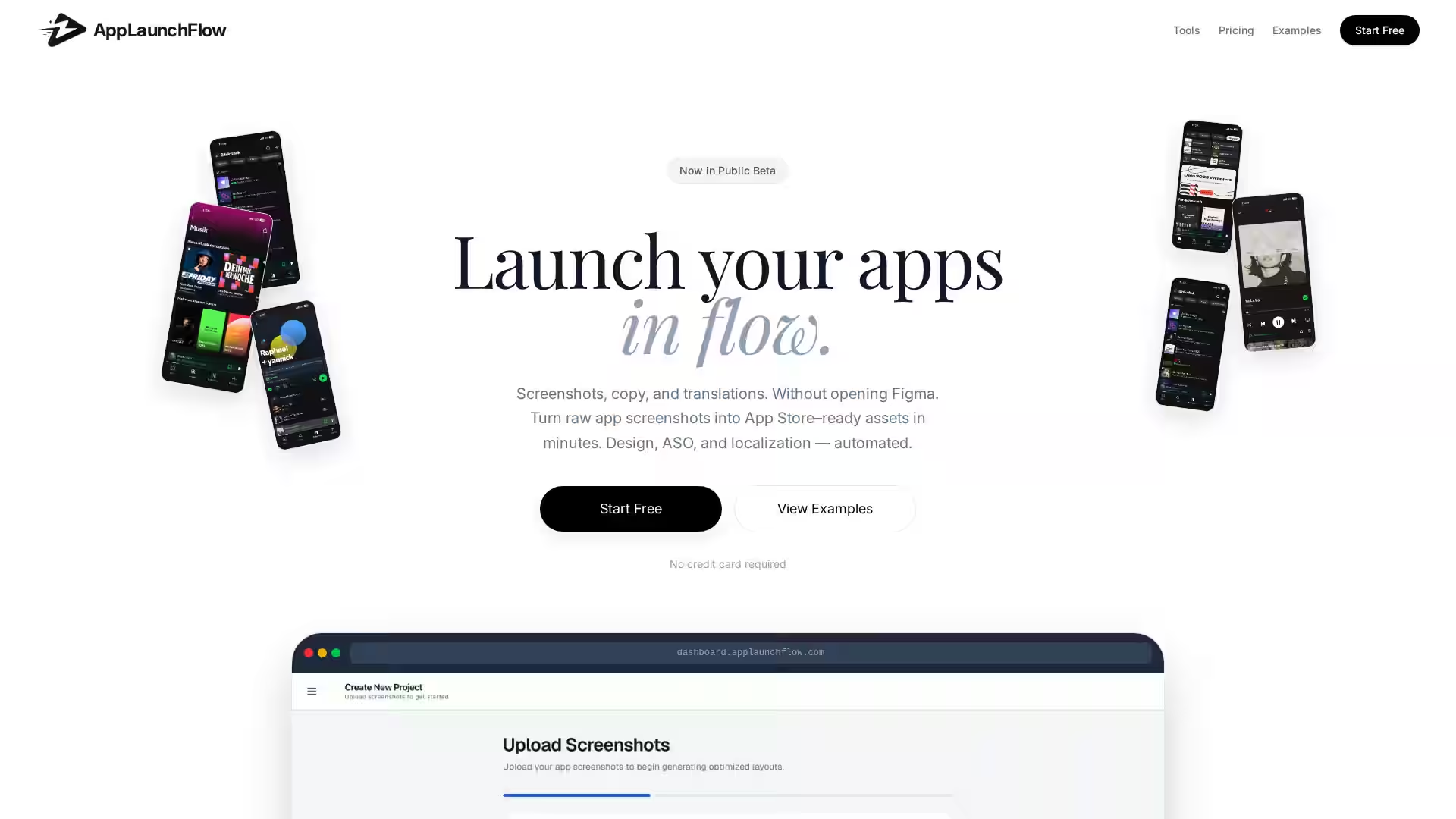
AppLaunchFlow is a streamlined platform designed to help entrepreneurs, startups, and developers bring their mobile or web applications to market faster—with less stress and friction. Traditional app launches can take weeks or even months of coordination between development, marketing, and distribution. Often, delays happen due to unclear launch steps, incomplete marketing materials, or underestimated submission requirements.
AppLaunchFlow aims to eliminate these inefficiencies by providing an optimized workflow, specialized toolkits, and expert guidance to get your app approved, published, and promoted in only a matter of days. By combining structured launch templates, marketing asset generators, and submission walkthroughs, the platform accelerates what typically feels like an overwhelming process. It is particularly beneficial for small teams or solo founders who want to focus on building their product rather than wrestling with the mechanics of a launch.
Where many solutions focus solely on app development or marketing, AppLaunchFlow bridges the gap between both—giving you everything you need from the moment your app is production-ready to the time it’s in the hands of your users.
Key Features
1. Guided Launch Path
AppLaunchFlow offers a step-by-step launch roadmap tailored to your app type and target platform (iOS, Android, or Web). You’ll see exactly what needs to be done next, preventing missed steps that can cause approval delays.
2. Marketing Asset Builder
A built-in tool helps you create compelling visuals, app store screenshots, and promotional graphics that meet platform guidelines. This ensures your app looks professional and attractive right from launch day.
The platform’s ASO module guides you in choosing relevant keywords, writing concise descriptions, and structuring your app listing to maximize visibility and downloads.
4. Submission Walkthroughs
Detailed, interactive checklists walk you through the submission process for Apple App Store, Google Play Store, or web platforms—helping you avoid common mistakes that delay approval.
5. Launch Tracking Dashboard
Track tasks, deadlines, and milestone completions in one central dashboard. Real-time progress updates ensure you’re always on schedule.
6. Collaboration-Friendly Interface
Invite team members, assign tasks, and monitor collective progress—ideal for cross-functional teams working remotely.
7. Resources Library
Access templates, example documents, and guidance articles covering everything from press release writing to beta testing strategies.
8. Fast Turnaround
Optimized workflows mean you can launch your app in days, not weeks—without sacrificing quality or compliance.
Use Cases
For Startup Founders:
If you’re preparing to release your first product, AppLaunchFlow acts as your comprehensive launch assistant. It removes guesswork, keeps you legally compliant, and ensures your branding is polished from the very beginning.
For Indie Developers:
Solo or small-scale developers often lack marketing teams. AppLaunchFlow provides ready-made promotional materials and straightforward steps for app store submissions so you can focus on coding while still making a strong market impact.
For Agencies:
Agencies handling multiple client launches can use AppLaunchFlow to standardize their process, reduce turnaround times, and maintain consistent quality across all projects.
For Product Managers in Larger Companies:
AppLaunchFlow helps coordinate cross-department activities for launches, keeping everyone on track and enabling faster delivery to market.
For Educators and Training Programs:
Educational institutions offering app development courses can provide AppLaunchFlow to students, teaching them industry-standard launch procedures while enabling them to actually ship production-ready apps.
FAQ
Q: How quickly can I launch my app using AppLaunchFlow?
A: Many users report launching within 3–7 days, depending on app complexity and readiness of assets.
Q: Is AppLaunchFlow suitable for both mobile and web apps?
A: Yes. The platform supports launches for iOS, Android, and web-based apps.
Q: Do I need marketing experience to use AppLaunchFlow?
A: No—AppLaunchFlow is built to guide users through marketing and asset creation even if they have no prior experience.
Q: Can teams collaborate on AppLaunchFlow?
A: Absolutely. You can invite multiple users, assign tasks, and track collective progress.
Q: How does AppLaunchFlow handle App Store guidelines?
A: The platform provides up-to-date, platform-specific guidelines and ensures assets meet requirements before submission.
Q: Is there support available during the launch process?
A: Yes—users can access customer support, guides, and a knowledge base at any stage of a launch.
Q: What makes AppLaunchFlow different from a project management tool?
A: While project management tools organize work, AppLaunchFlow specifically focuses on the launch phase of app development, integrating marketing, asset creation, submission steps, and optimization strategies into one seamless system.
In summary, AppLaunchFlow is engineered for speed, clarity, and efficiency—helping you move from "finished app" to "live product" without the bottlenecks often associated with traditional launch processes.