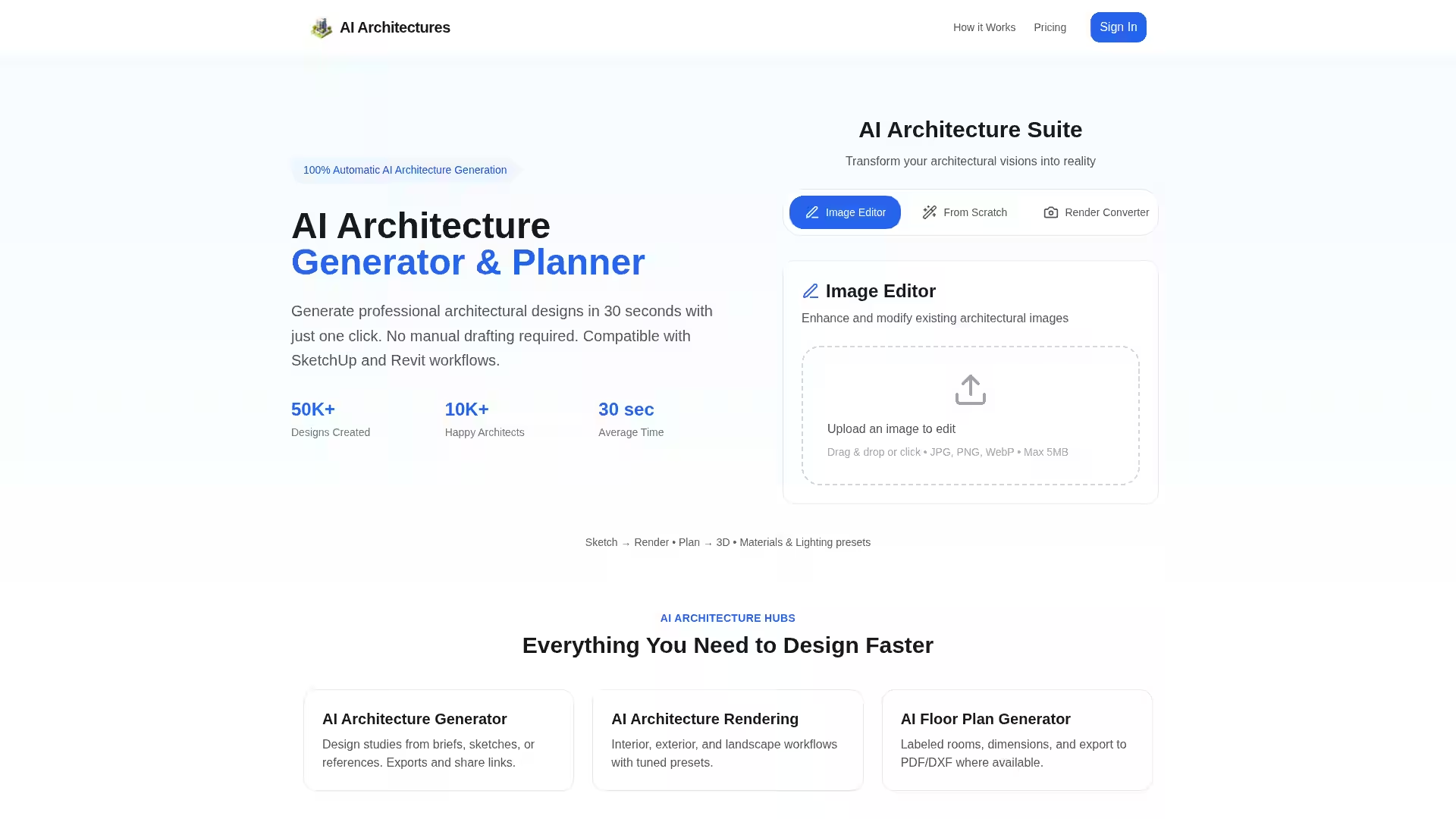
AI Architectures is an advanced AI-powered design platform built specifically for architects, designers, and developers who need to produce high-quality architectural designs quickly and efficiently. Using state-of-the-art machine learning models and expertly tuned rendering workflows, it can transform simple briefs, sketches, photographs, or references into fully realized professional outputs — including detailed floor plans, elevations, 3D visualizations, and photorealistic renders.
The system is designed to replace the slow, manual drafting processes of traditional workflows. With just a single click, AI Architectures generates fully compliant architectural designs in as little as 30 seconds, making it an ideal co-pilot for busy professionals. The platform integrates seamlessly into popular tools like SketchUp and Revit, enabling architects to blend AI-generated assets into their existing design pipelines without interrupting established workflows.
Whether you’re planning a residential project, designing a commercial interior, or visualizing a large-scale competition entry, AI Architectures offers precision, speed, and stylistic control. It uses fixed camera and lighting recipes to produce consistent, comparable outputs across different design iterations, allowing teams to make objective decisions based on clear, apples-to-apples comparisons.
Key Features
Instant Architecture Generation
One-click workflow: Create architectural designs from text briefs, sketches, or rough references in just 30 seconds.
No manual drafting required: The AI handles layouts, materials, and lighting choices.
SketchUp & Revit integration: Smoothly import/export and refine designs within industry-standard software.
Photorealistic & stylistic renders: Supports exteriors, interiors, and landscapes.
Preset lighting scenarios: Options such as golden hour, blue hour, retail ambient, and more.
Material control: Reliable phrasing for wood, stone, concrete, metals, and other textures.
Floor Plan Generator
Labeled layouts: Automatically generate rooms with dimensions.
Export formats: PDF and DXF for immediate use in CAD workflows.
Adjacency & proportion guardrails: Ensures functional layouts and logical connections.
Image Editor & Converter
Transform sketches: Convert hand-drawn elevations or plans into crisp digital outputs.
Edit existing images: Adjust textures, lighting, and materials in uploaded images.
Render conversion: From schematic models to full 3D visualizations.
Compliance & Standards
Code-aware AI: Integrates building codes and architectural best practices into designs.
Commercial-ready output: Suitable for zoning submissions, competitions, and client presentations.
Architectural Styles Library
Style recipes: Detailed prompt starters for Modern, Minimalist, and Mediterranean projects.
Massing cues & material atoms: Maintain stylistic consistency across a project's visualizations.
Use Cases
1. Residential Architecture
Architects can rapidly prototype home designs from a sketch or textual prompt, fine-tune materials, and produce photorealistic renders for clients. Examples include hillside houses with optimized lighting scenarios and Mediterranean-style courtyards built directly from hybrid plan/elevation sketches.
2. Commercial Interiors
Retail professionals can transform schematic axonometrics into mood-rich, sales-ready visualizations with layered lighting, precise material palettes, and realistic spatial staging.
3. Competition Entries
Competition teams can move from massing models to jury-ready image sets in hours rather than days, applying façade rhythm, lighting, and environmental effects for maximum impact.
4. Landscape Integration
Designers can produce exterior and courtyard visuals with climate-responsive envelopes, material authenticity, and vegetation that matches intended locale conditions.
5. Renovation & Visualization
The image editor allows modification of existing building photos or drawings, updating materials, layouts, and environmental context to envision renovations before they begin.
6. Concept Optioning
Generate multiple style and material variations in minutes, compare side-by-side outputs with consistent camera angles, and select the best iteration using stakeholder feedback.
FAQ
Q: What is AI for architecture and how does it work?
AI Architectures uses machine learning to understand and replicate professional architectural design principles across styles, layouts, and materials. It analyzes patterns from real-world projects and synthesizes outputs that align with functional and aesthetic goals, drastically reducing drafting and rendering time.
Q: How accurate are AI-generated architectural designs?
The platform incorporates building codes, structural guidelines, and proven design heuristics to produce compliant and realistic designs. Outputs are suitable for presentation, conceptual approval, and further refinement in CAD/BIM tools.
Q: Can I use this tool for commercial projects?
Yes. Generated designs meet professional standards and can be integrated into development documentation, zoning submissions, and client-facing presentations.
Q: How fast are the results?
Most design generations are complete in under 30 seconds, allowing for rapid iteration and review during concept development.
Q: Can the AI handle different architectural styles?
Absolutely. AI Architectures includes a rich style library with prompt recipes and massing strategies for Modern, Minimalist, Mediterranean, and other design traditions.
Q: Do I need design software experience?
While professionals will get the most from its SketchUp/Revit integration, the platform is accessible to anyone with a design brief or sketch. Outputs are available in universal formats like PDF, JPG, and DXF.
AI Architectures stands as a professional-grade AI assistant for the built environment — transforming sketches into refined architectural outputs in seconds, and bringing speed, accuracy, and stylistic control to every stage of design.